Our reviewers evaluate software independently. Learn how we stay transparent, our methodology, and tell us about anything we missed.

Our reviewers evaluate software independently. Learn how we stay transparent, our methodology, and tell us about anything we missed.
Hiring my brain to do first drafts is basically how I survived my early technical writing jobs, especially when I was cranking out tutorials and “how-to” content on tight deadlines. Back then, the bottleneck wasn’t ideas. It was the blank page, the structure, and the pacing.
AI script generators solve that exact problem. They give you a usable outline, a draft with a coherent flow, and enough momentum to keep you from stalling out halfway through your intro.
Hiring a scriptwriter is hard. Writing scripts yourself is harder. These are the AI script generators I’d use to get a fast first draft, break writer’s block, and ship scripts that still sound like you.
Here’s my shortlist of the best AI script generators I’d personally start with in 2026:
If you’ve ever tried to write multiple scripts in one week, you know the real pain isn’t “writing.” It’s keeping your tone consistent, avoiding repetitive hooks, and turning loose ideas into a clean outline that converts.
I’ve used tools like these in content workflows where speed mattered, but quality still mattered more. The best ones don’t replace your voice. They give you a structure and a first pass you can actually work with.
Okay, let’s get into the details.
Not every tool here is “best” in the same way. Some are best for production-ready scripts. Some are best for brainstorming. Some are best because they fit into a workflow where your script is one artifact among many.
I’m reviewing these through a practical lens: how quickly you can go from idea to a usable script, how easy it is to refine, and whether it plays nicely with the rest of your workflow.
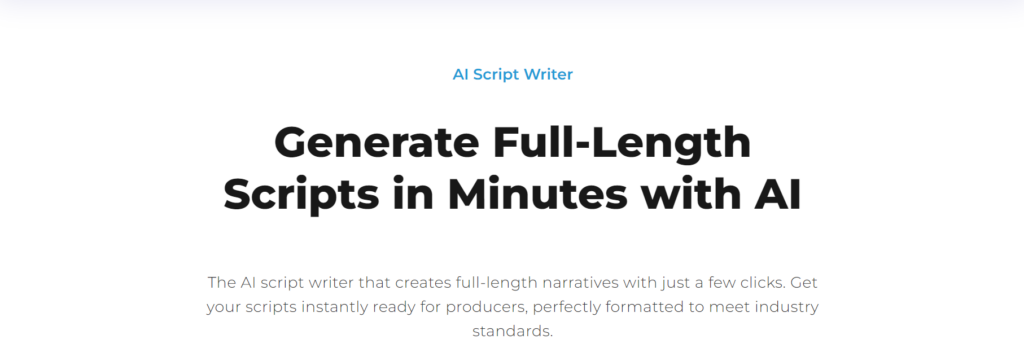
Squibler is the tool I lean on when I want structure without feeling boxed in. It’s built for writing workflows where outlining, organizing, and iterating matter, not just generating a quick paragraph and calling it done.
What I like is that it supports the full script development process. You can start with an outline, build scene-by-scene sections, and keep your elements organized so your script stays coherent as it grows.
It’s also one of the better options when you need multiple scripts or versions without losing track. If you’re writing YouTube episodes, training scripts, or anything longer than a short ad, this style of “organized drafting” is a big deal.
I picked Squibler because it behaves like a writing workspace, not a one-off generator. When scripts get longer, the real challenge is maintaining structure, tracking revisions, and keeping characters, scenes, and story logic consistent.
Pros
Cons
LEARN MORE ABOUT SQUIBLER: Check out Squibler on their website.
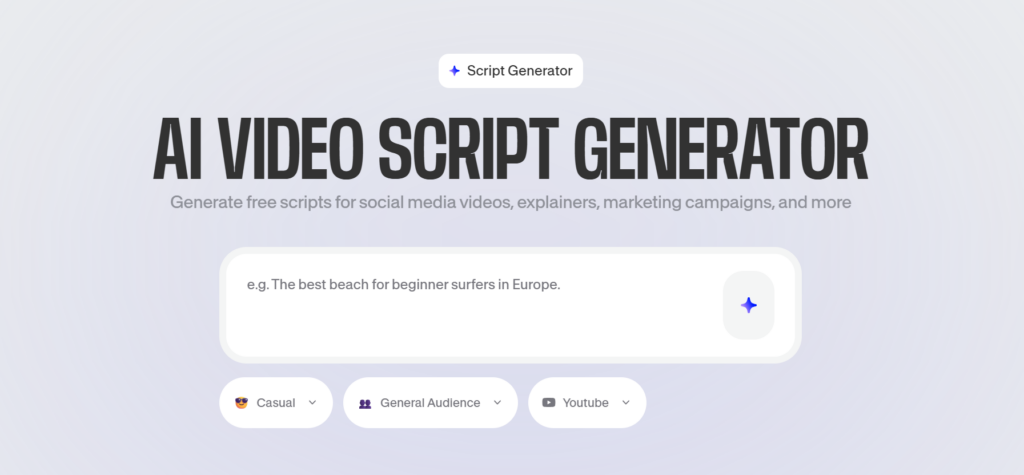
VEED is a script generator that makes the most sense when your script is directly tied to video production. You’re not just writing. You’re writing to produce, and VEED keeps that whole flow in one place.
The script generator is geared toward social formats and video ads, so it naturally pushes you toward platform-friendly structure. That usually means tighter hooks, shorter sections, and clearer CTAs.
Where it shines is when you want to turn the script into a finished video without switching tools. If you’re already editing in the browser, keeping your script and your edit together saves a surprising amount of time.
I picked VEED because it reduces handoffs. If your workflow is “script, then edit, then publish,” it’s efficient to have your script generator inside a platform that also helps you finish the asset.
Pros
Cons
LEARN MORE ABOUT VEED: Check out VEED on their website.
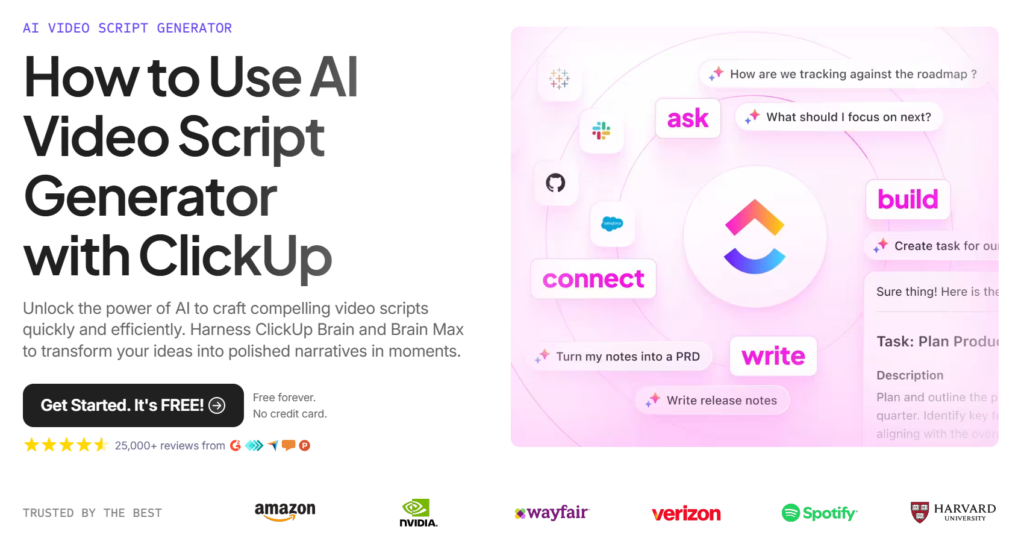
ClickUp Brain is for teams who don’t want yet another writing tool floating outside the process. Instead, it keeps scriptwriting connected to tasks, briefs, timelines, and approvals.
In practice, this means you can generate a script outline, attach it to a production task, and collaborate right where your team already works. If you’re running a content calendar, this is a big workflow win.
It’s also useful for content planning. You can store prompts, reuse templates, and keep your script revisions tied to the project, which is how teams avoid “Where’s the latest version?” chaos.
I picked ClickUp Brain because most script problems in teams are not writing problems. They’re workflow problems. ClickUp keeps scripting tied to execution so you don’t lose time to process overhead.
Pros
Cons
LEARN MORE ABOUT CLICKUP BRAIN: Check out ClickUp’s AI video script generator on their website.
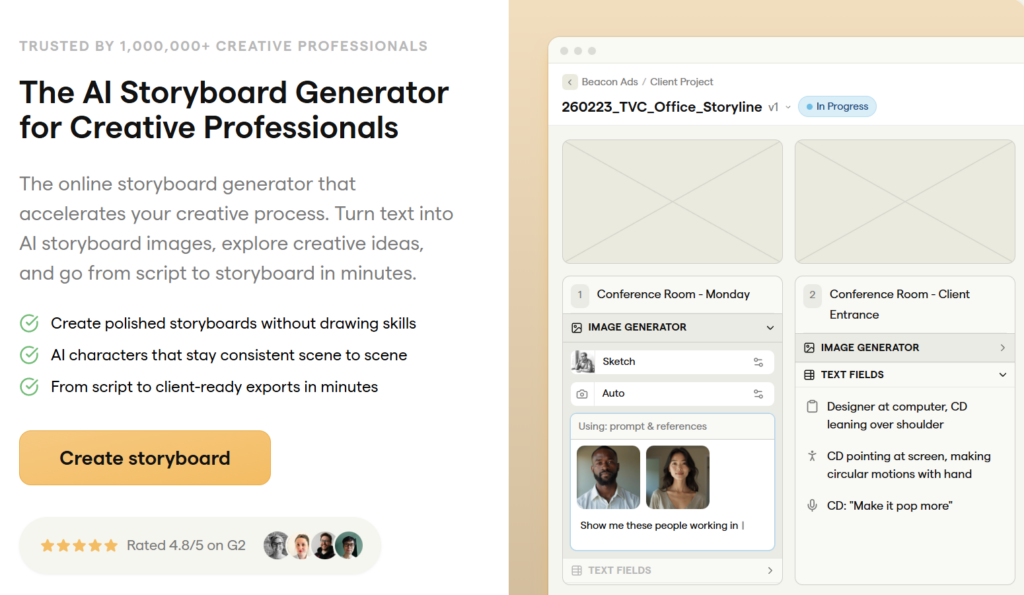
Boords is the tool I recommend when your script needs to become a storyboard quickly. It’s built for visual planning, which makes it perfect for teams that need alignment before production starts.
Instead of treating scripts as just text, Boords helps you think in scenes. That means you can map transitions, camera direction, and visual beats while you’re still in the planning phase.
If you’re working with clients, editors, or a production team, this can save a lot of rework. A storyboard makes gaps obvious fast, like missing transitions or unclear scene intent.
I picked Boords because visual alignment is where most production delays happen. When you can move from script to storyboard earlier, you get clearer feedback and fewer late-stage surprises.
Pros
Cons
LEARN MORE ABOUT BOORDS: Check out Boords on their website.
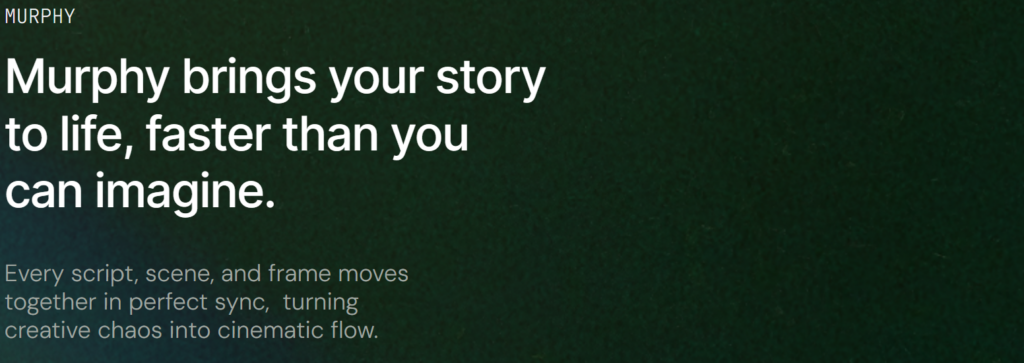
Murphy is built for the messy middle between writing and production. It’s focused on helping you analyze scripts, extract key elements, and sync writing with visuals so pre-production is less chaotic.
This matters if you’re doing anything more complex than a simple talking-head video. Once you have characters, props, scenes, and locations, planning becomes a real job. Murphy helps organize that.
If you’re working on short films, branded storytelling, or more cinematic content, this kind of “script plus visualization” workflow can save hours, especially when collaborating with a team.
I picked Murphy because it treats scripts like production assets, not just text. When a script has to turn into real scenes and real frames, you need tools that keep everything connected.
Pros
Cons
LEARN MORE ABOUT MURPHY: Check out Murphy on their website.
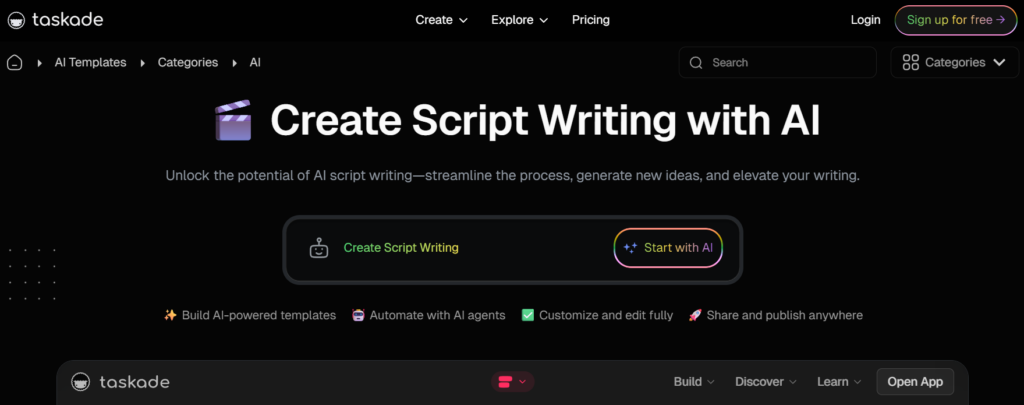
Taskade is more of a workflow tool than a pure script generator, and that’s why it’s useful. If you’re planning content with a team, the templates and collaboration features can keep scripts, outlines, and revisions organized.
I like it for early-stage drafting. You can start with an outline, assign sections, iterate in real time, and keep everything in one workspace. It’s helpful if you’re managing multiple scripts across a campaign.
If you’ve ever had a “content planning” doc in one place and a separate script doc somewhere else, you’ll appreciate how much easier it is when those are the same system.
I picked Taskade because scripts don’t exist in isolation. They sit inside workflows, calendars, and approvals. Taskade makes it easy to collaborate, plan, and generate drafts without tool sprawl.
Pros
Cons
LEARN MORE ABOUT TASKADE: Check out Taskade on their website.
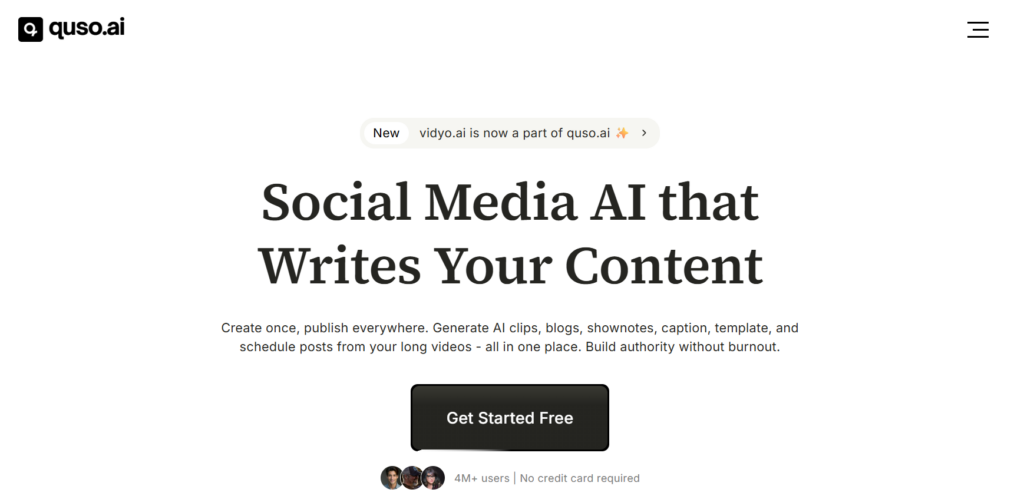
quso.ai is designed for creators who need platform-ready scripts fast. It’s optimized around short-form video workflows where you want a hook, tight pacing, and a clean CTA without overthinking it.
This is the kind of tool I’d use when I’m producing a lot of volume. Reels, TikToks, Shorts, and quick promos where “good and shipped” beats “perfect and stuck in drafts.”
It’s also good when you want to eliminate writer’s block. You can generate multiple scripts quickly, test different angles, and iterate based on what performs.
I picked quso.ai because it’s built for speed and consistency in short-form video. If your goal is to produce multiple scripts weekly and keep them structured, it’s a strong fit.
Pros
Cons
LEARN MORE ABOUT QUSO.AI: Check out quso.ai on their website.
If you want more options beyond my top picks, here are a few I’d still consider depending on your use case:
If you’re building a real content workflow around scripts, these will help:
Here I go over my criteria for picking the top generators.
I want scripts that already have a logical flow: hook, setup, payoff, and CTA. If the tool gives me a messy wall of text, I’m not saving time.
If I can’t control tone, everything ends up sounding like generic AI content. A good tool lets you write in a customizable tone that matches your brand or personal voice.
A structured prompt builder, pre-built prompts, and fast rewrite controls matter. Iteration speed is the difference between “this helps” and “this is annoying.”
If you collaborate with your team, you need shared docs, comments, and a clean handoff. Otherwise, script development becomes copy-paste fatigue.
If your script goes straight into editing, storyboarding, or pre-production planning, you want script export and platform-ready formatting so the next step is easy.
Choosing an AI script generator isn’t about picking the one with the longest feature list. It’s about choosing the one that fits your workflow, your target audience, and how refined you need your scripts to be.
Over the years, I’ve learned that most frustration with AI tools doesn’t come from “bad AI.” It comes from picking a tool that doesn’t match how you actually work. So here’s what I look at more closely before committing.
If the interface isn’t intuitive, the tool becomes friction instead of leverage. A user-friendly interface with clear controls, prompt boxes, and editing panels makes iteration faster.
You want something where generating, refining, and exporting scripts feels natural. If you have to hunt for basic features like tone adjustment or script refinement, that’s a red flag.
Structure matters more than creativity at scale. A good tool should consistently produce scripts with a clear hook, body, transitions, and call to action.
I also test how well it handles script structure across formats. Can it adapt between a three-act format, a YouTube explainer, and a short-form social script without collapsing into generic filler? That’s a real differentiator.
If every output sounds the same, you’ll quickly hit brand fatigue. Look for customizable tone settings and genre selection options that let you adapt style to audience and platform.
The best tools allow you to tweak voice, pacing, and emotional intensity without rewriting everything from scratch. That kind of control makes AI suggestions usable.
Scripts aren’t universal. A TikTok script and a training video script have completely different pacing and expectations.
Tools that allow platform selection or audience targeting usually produce more focused drafts. If you can tell the tool who the script is for and where it will live, you’ll get tighter results.
More features do not automatically mean better. Some tools offer multilingual support, storyboard integrations, AI suggestions, and even text-to-video pipelines.
That’s great if you need them. But if you only need clean script drafts and refinement tools, a simpler generator may be more efficient.
The real power is in rewriting, not generating. Look for tools that let you quickly refine sections, expand dialogue, tighten pacing, or adjust tone in a few clicks.
If refinement feels clunky, you’ll end up exporting into another editor and doing heavy manual edits, which defeats the purpose.
Finally, pricing should match your volume. If you’re generating multiple scripts weekly, word limits and usage caps matter.
I always check whether the tool scales with workflow. Can it handle multiple scripts, team members, and future growth without forcing a migration later?
Here I help you figure out which generator is the best for you.
If you’re making Shorts, choose a tool optimized for short-form pacing. If you’re writing longer narratives, pick something built for structure and outlining.
Some tools are idea engines. Others are workflow engines. If your script needs to ship fast, prioritize templates, structure, and fast refinement.
If you already run your work in a project tool, something like ClickUp Brain can reduce tool sprawl. If you want script-to-video, VEED or Kapwing-style tools make more sense.
Don’t pick a tool after one prompt. Run the same prompt through 2–3 tools and compare structure, tone, and how much editing you needed afterward.
AI is best at first drafts and alternatives. You’re still responsible for the final script, especially tone, pacing, and accuracy.
An AI script generator is a tool that turns a prompt into a structured script, usually with a hook, a body, transitions, and a call to action. Depending on the tool, it can also generate scene-by-scene breakdowns, character beats, dialogue, or platform-specific formats like YouTube, TikTok, ads, or explainer videos.
The key thing to understand is that “AI script generator” is a wide category. Some tools are pure writing tools. Others are video tools that happen to generate scripts as the first step before you move into editing, voiceovers, or storyboards.
If you’re also exploring adjacent tools, you might like my roundup of AI story generators or my breakdown of AI script writer tools since those overlap a lot with script generators.
The biggest benefit is time-saving automation. You go from “blank doc” to a usable outline or draft in minutes, which is huge if you’re producing content weekly or daily.
The second benefit is creative momentum. When you’re stuck in writer’s block, a generator gives you options. Even if the first draft is not perfect, it’s something to react to, revise, and improve.
The third benefit is consistency at scale. If you need multiple scripts for a campaign, a series, or a team workflow, these tools make it easier to keep tone, pacing, and structure consistent while still letting you customize.
A good AI script generator is basically a structured prompt builder plus an editor that makes iteration painless. If I can’t steer the output easily, it’s not saving me time. It’s creating more cleanup work.
I also look for customizable tone, genre selection, and script structure controls. I want to be able to say “make this more conversational,” “tighten pacing,” or “rewrite for a general audience” without fighting the tool.
Finally, collaboration matters more than people expect. If you collaborate with your team, you want comments, shared docs, versioning, and a workflow that doesn’t turn into copy-paste chaos.
I start with a simple prompt that includes audience, goal, and platform. Then I ask the tool for a script outline before I generate the full script. That one step alone usually improves structure and pacing.
Next, I generate a first draft and immediately do a second pass for tone. I’ll tell the tool what to fix: tighten the hook, add a clearer CTA, remove fluff, add one example, and keep sentences short.
Finally, I treat AI like a co-writer, not an author. I revise the script like I would any draft, and I keep a running “style snippet” so my voice stays consistent across multiple scripts.
If your scripts are going to production, visuals matter early. Tools that help you move from script to storyboard can save hours of back-and-forth with editors or clients.
This is especially helpful for ads, explainers, and anything scene-based where transitions and camera direction matter. Even rough visuals can make a script feel “real” fast, which helps teams align.
If storyboarding is a big part of your workflow, you’ll probably want a tool that either generates storyboard frames directly or exports cleanly into your storyboard software.
Give the AI constraints. If you tell it the target audience, the tone, and the format, you’ll get fewer generic scripts and more usable drafts.
Ask for multiple versions. I often generate 2–3 hooks or 2–3 script angles and pick the best one. This is one of the easiest ways to make AI feel creative instead of repetitive.
Always do a human pass for clarity and pacing. If you want a tighter writing process overall, it’s also worth brushing up on the fundamentals in my guide on what technical documentation is because the same clarity principles apply to scripts too.
AI script generators make scriptwriting faster, help overcome creative blocks, and improve consistency. These tools are most effective as collaborators, enhancing your process rather than replacing your expertise.
From short-form videos to long-form content, the right tool can save time and improve your workflow. AI provides the structure, but your input ensures the content is clear, engaging, and aligned with your goals.
By applying the tools and best practices from this guide, you can create scripts efficiently while maintaining authenticity and impact. Use AI to focus on what matters, crafting content that resonates with your audience.
Here I answer the most frequently asked questions about AI script generators.
They’re good enough for a strong first draft, and in some cases they can get close to production-ready. But I always plan on a human refinement pass for tone, pacing, and clarity, especially if the script is client-facing.
Most decent tools can. The better ones let you choose a tone, adjust formality, and rewrite sections without losing structure. If tone control is weak, you’ll spend more time editing than you saved.
If your scripts live inside a broader workflow, I’d look at ClickUp Brain or Taskade first. If your team needs shared prompts, assistants, and a collaborative workspace, Juma can be a strong option too.
Start with an outline request, then generate the full script. Include platform, audience, and goal in your prompt. After generation, ask for a rewrite focused on pacing, stronger hooks, and a clearer call to action.
Yes, but free tiers usually come with limits like word caps, fewer features, or fewer export options. Free is fine for testing, but if you’re generating multiple scripts weekly, you’ll likely outgrow it fast.
Some do. Tools like Boords and Murphy are specifically helpful when you need a script-to-storyboard transition or scene visualization for pre-production planning.
Get the weekly newsletter keeping 23,000+ technical writers in the loop.
Learn AI prompting and advance your career.
Please check your email for a confirmation message shortly.





















Get our #1 industry rated weekly technical writing reads newsletter.
Your syllabus has been sent to your email