Our reviewers evaluate software independently. Learn how we stay transparent, our methodology, and tell us about anything we missed.

Our reviewers evaluate software independently. Learn how we stay transparent, our methodology, and tell us about anything we missed.
Training documentation is one of those things everyone agrees is important, right up until you’re rushing to onboard three new hires, your best operator quits, and the only “training” is a screen recording someone made in 2022. I’ve run teams where we were constantly scaling, and I can tell you from experience: when training lives in people’s heads, the business pays for it in mistakes, churn, and slow onboarding.
Training documentation software is what I use to turn tribal knowledge into a scalable training program. These tools help you build repeatable onboarding, track completion, prove compliance, and actually understand whether training is working.
Here are the 9 platforms I’d personally shortlist for training documentation.
Training documentation lives at the intersection of process documentation, knowledge management, and learning systems. Some teams need a full learning management system with certifications. Others just need better SOPs and a way to track who learned what.
The trick is picking a tool that fits your training reality. If you need SCORM and compliance dashboards, you want an LMS. If you need “how we do the job” training, SOP and workflow tools might be the better starting point.
Either way, the goal is the same. Make training repeatable, measurable, and easy to maintain.
Training documentation software is the system you use to create, organize, publish, and maintain training materials. For most teams, that includes onboarding docs, SOPs, internal playbooks, training modules, quizzes, and certifications.
Some tools are true learning management systems. They support SCORM, xAPI, progress dashboards, assessment frameworks, and compliance tracking. Other tools are documentation-first, which means they focus on building training guides and step-by-step procedures with version control.
In practice, the best training stacks often combine both. You might use an LMS for structured courses and certifications, then use documentation tools for the day-to-day “how we do this” work instructions.
The most obvious benefit is onboarding speed. When training is organized into learning paths, new hires ramp faster because they are not waiting for someone’s calendar. It also reduces the burden on senior employees, who are usually the bottleneck in onboarding.
The next benefit is consistency and quality. Training documentation software helps you standardize processes through templates and structured modules, which reduces mistakes. This matters even more when you have compliance training, customer onboarding, or regulated work.
The ROI becomes real when you measure it. Analytics and reporting, completion tracking, and performance analytics help you connect training to outcomes like faster ramp time, fewer support issues, and fewer compliance failures. When you can prove that, training stops being “nice to have” and becomes operational infrastructure.
The tools below cover the biggest training needs I see: SOP-based onboarding, enterprise LMS programs, customer training, compliance tracking, and fast training documentation creation.
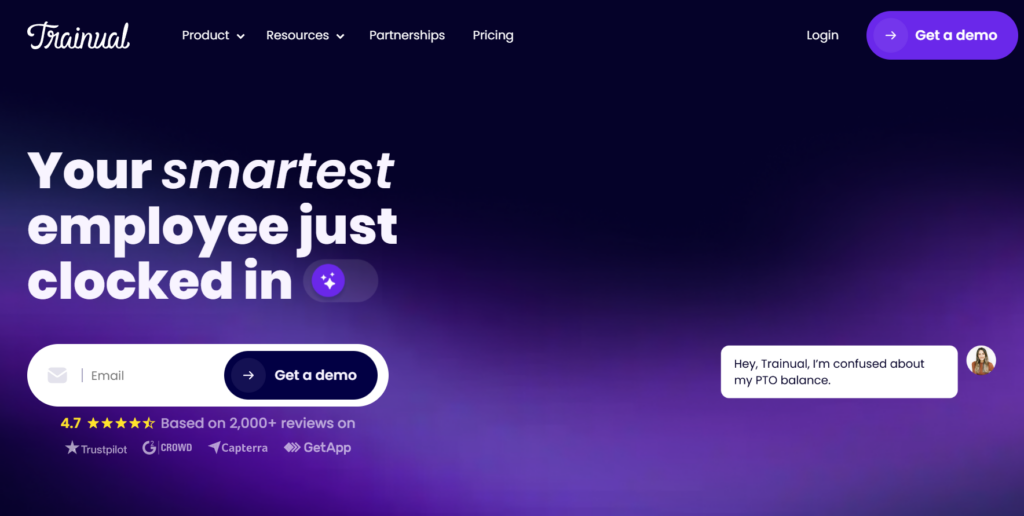
Trainual is one of the most practical tools for building onboarding and training around standard operating procedures. It’s built for small and mid-sized organizations that want training content to be repeatable, structured, and easy to assign.
What I like most is how Trainual turns documentation into a training workflow. You can build a centralized repository of processes, assign learning paths by role, and track completion without building a full LMS from scratch.
It also helps with knowledge retention. When people leave, the training does not leave with them. That is the whole point of scalable training programs.
I picked Trainual because onboarding is the fastest place to see training ROI. If you can turn SOPs into structured training that is assigned and tracked, you immediately reduce chaos during growth.
Pros
Cons
LEARN MORE ABOUT TRAINUXL: Check out Trainual on their website.

TalentLMS is a straightforward learning management system that works well when you want a clean LMS without heavy enterprise complexity. It supports course creation, tracking, and basic assessments in a way most teams can adopt quickly.
This tool is useful for employee onboarding, compliance training, and internal upskilling programs. It also supports mobile access, which matters when your workforce is not always behind a desk.
If you want something that feels approachable but still gives you reporting and dashboards, TalentLMS often fits the bill.
I picked TalentLMS because a lot of teams need an LMS, but they do not need an LMS project. This is a practical way to get training live without a huge rollout.
Pros
Cons
LEARN MORE ABOUT TALENTLMS: Check out TalentLMS on their website.
Docebo is built for organizations that treat learning as a strategic function. It supports large-scale training programs, advanced automation, analytics, and sophisticated learning paths.
Where it shines is personalization and scale. You can create personalized learning recommendations, run multi-audience portals, and track competency development across teams. This is the kind of tool used when learning needs to be measured like a business function.
It is also a strong option for AI-driven enterprise learning, especially if you care about automated content recommendations and skill gap analysis.
I picked Docebo because enterprise learning requires more than courses. You need automation, analytics, segmentation, and the ability to prove training impact across departments.
Pros
Cons
LEARN MORE ABOUT DOCEBO: Check out Docebo on their website.
LearnUpon is a strong LMS for organizations that train external audiences. That includes customers, partners, resellers, and even contractors.
It supports multi-portal setups, which is important when you need different branded experiences for different audiences. It also supports integrations with HRIS and CRM systems, which helps connect training outcomes to customer success and revenue workflows.
If you want customer onboarding training that feels structured and trackable, LearnUpon is worth looking at.
I picked LearnUpon because external training has different needs than internal HR training. You need portals, branding, and reporting that reflects customer onboarding and partner enablement.
Pros
Cons
LEARN MORE ABOUT LEARNUPON: Check out LearnUpon on their website.
Absorb LMS is a strong option when compliance training is a serious requirement. It supports compliance dashboards, certification tracking, and reporting that helps you prove completion.
It works well for industries that need structured training evidence. That might include healthcare, finance, and regulated enterprise environments where audits are part of life.
Absorb also supports scalable training programs across departments, which matters when the training system must work for thousands of users with different requirements.
I picked Absorb because compliance is not optional for many organizations. Tools that make compliance tracking easy reduce risk, and that is a direct business win.
Pros
Cons
LEARN MORE ABOUT ABSORB LMS: Check out Absorb LMS on their website.
360Learning is built around the idea that internal experts should be able to create training quickly. It leans into collaborative learning features and user-generated training content.
This is useful when your organization changes fast. Instead of training being owned by one department, knowledge gets captured across teams in bite-sized modules. That can drive adoption because people trust training created by peers.
If you want to scale training without building a massive centralized content team, 360Learning is a strong option.
I picked 360Learning because collaboration is the only way training scales in fast-moving organizations. When experts can contribute quickly, training stays closer to reality.
Pros
Cons
LEARN MORE ABOUT 360LEARNING: Check out 360Learning on their website.
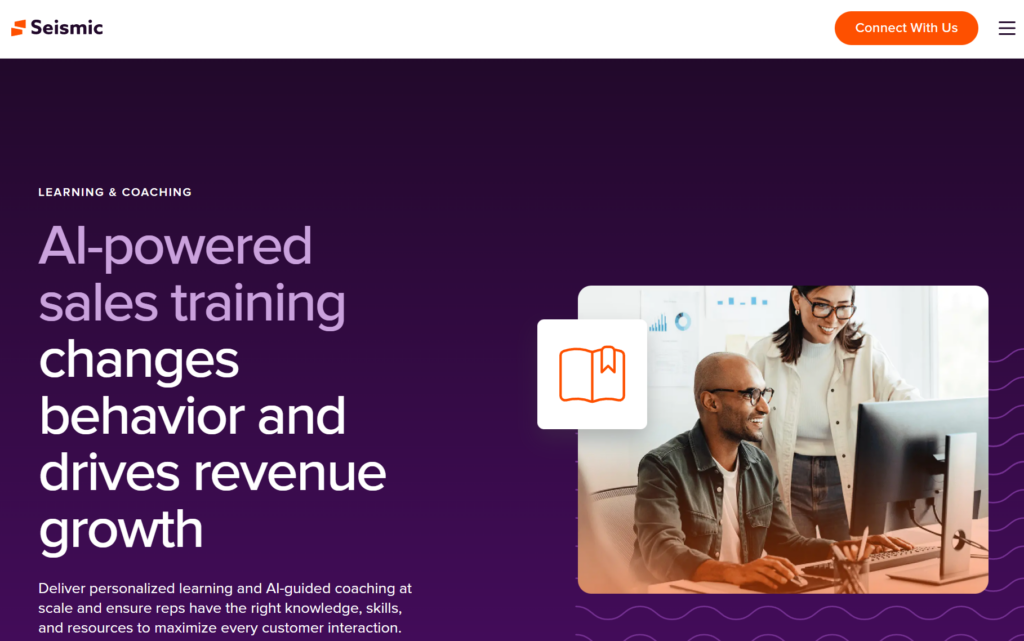
Lessonly is designed for training teams that need structured practice, coaching, and reinforcement. It is especially popular in sales enablement and customer-facing team training.
It supports interactive modules, role plays, and structured learning paths. This matters when training is not just “read the docs,” but “prove you can do the thing.”
If your organization measures training effectiveness by performance outcomes, Lessonly is built for that mindset.
I picked Lessonly because performance-based training needs practice and reinforcement. This tool is designed for training that actually changes behavior, not just checks a completion box.
Pros
Cons
LEARN MORE ABOUT LESSONLY: Check out Lessonly by Seismic on their website.
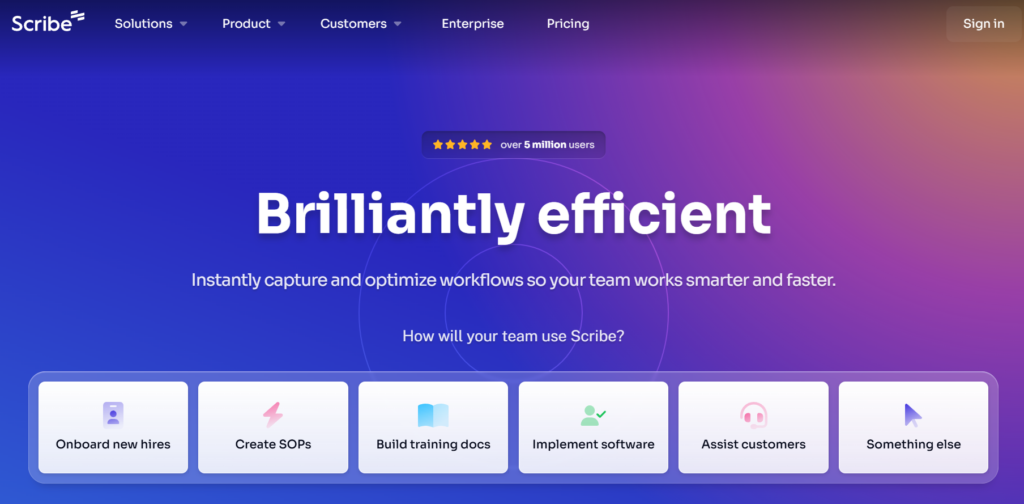
Scribe is not a full LMS, but it is one of my favorite tools for creating training documentation fast. You record a workflow, and Scribe generates step-by-step documentation with screenshots.
This is perfect for tool training, internal workflows, and employee onboarding where the work is done inside software tools. It reduces the time cost of documentation creation dramatically.
Scribe also supports redacting and blurring sensitive information, which matters when training docs include customer data or internal systems.
I picked Scribe because training content often fails due to time. If you can create documentation in minutes instead of hours, training becomes easier to maintain.
Pros
Cons
LEARN MORE ABOUT SCRIBE: Check out Scribe on their website.

Confluence is a strong training documentation hub when your organization already uses Atlassian tools. It works well for onboarding hubs, internal SOPs, troubleshooting guides, and team playbooks.
The key is that Confluence is flexible. You can organize training content as a centralized repository, build templates, and let teams collaborate in real time. It is often used as a knowledge base that supports training, even if it is not a traditional LMS.
If you want to pair Confluence with more formal tracking, some teams layer it with an LMS. Confluence holds the knowledge, while the LMS handles certifications and analytics.
I picked Confluence because it is one of the most practical internal training hubs for teams already living in Jira. It keeps training close to the operational workflow.
Pros
Cons
LEARN MORE ABOUT CONFLUENCE: Check out Confluence on their website.
The “right” features depend on whether you need an LMS or a documentation-first system. But there are a few capabilities I look for almost every time.
First, you want course creation tools and built-in authoring tools, or at least a strong way to create training content without heavy production overhead. If the content is hard to create, you will not keep it updated.
Second, look for completion tracking, certifications, and compliance tracking if training needs to be provable. Compliance dashboards, assessment frameworks, and performance analytics are what turn training into measurable ROI.
Third, prioritize integrations. Integration with HRIS and CRM systems is huge when you want training to map to employee onboarding, customer onboarding, or role changes. A strong integration ecosystem also helps automate assignments and notifications.
Training documentation software pricing varies a lot. Some platforms charge per user, some charge per active user, and many enterprise tools require customized quotes.
I look for clarity around what counts as a user, what features are locked behind higher tiers, and whether onboarding fees apply. Tools with free trials are helpful, but you still want to plan for total cost of ownership.
If you are rolling out training to customers or partners, multi-portal support and white-label branding can affect pricing significantly. Those features tend to live in higher tiers.
Here are my personal tips on picking the right software:
If you need SCORM support, certifications, compliance reporting, and structured assessments, choose a real LMS. If you mainly need SOPs and onboarding docs, documentation-first tools might be the better fit.
Many orgs end up using both. A documentation hub supports day-to-day work instructions, while the LMS handles compliance and progress tracking.
If your training is mostly operational and SOP-driven, prioritize templates, workflow automation, and knowledge base functionality. If training is skill-based, prioritize interactive modules, coaching, and performance analytics.
Tools are only valuable if they match the way your organization learns.
Start with one onboarding program, one role, or one compliance module. Build a simple pilot, gather feedback, then scale.
If you try to migrate every training asset at once, you will create a giant library nobody trusts.
Training is moving toward AI-driven automation and personalization. AI-powered content recommendations are becoming standard, along with adaptive learning paths and personalized learning experiences.
We are also seeing more skills and competency management baked into platforms. Instead of tracking course completion alone, systems are mapping training to skill gaps and performance outcomes.
Finally, mobile access and real-time progress tracking are becoming table stakes. Modern training programs need to work for distributed teams, frontline workers, and global audiences, which means training has to be accessible anywhere.
Here I answer the most frequently asked questions about training documentation software.
You need SCORM or xAPI when you are running formal courseware, compliance training, or content from third-party libraries. If your training is mostly internal SOPs and onboarding docs, you may not need it.
A lot of teams overbuy here. I would rather choose a simpler tool that gets used than a standards-heavy LMS that sits idle.
Track onboarding time, time-to-competency, error rates, and compliance completion. Use analytics and reporting to connect training to performance outcomes.
The simplest ROI metric is whether training reduces repeat questions and makes new hires productive faster. If yes, it is working.
Trainual is a strong onboarding-focused choice. Confluence can work well for internal hubs. Scribe is great for step-by-step tool training.
The best answer depends on whether you need tracking and assignments or just better documentation.
Sometimes, but not always. LMS platforms can hold knowledge, but they are not always optimized for fast search and day-to-day reference.
Many teams keep a knowledge base for reference and use an LMS for structured learning paths and certifications.
Implementation depends on content volume and integrations. Starting with a small pilot reduces risk.
Most failed rollouts happen because teams try to migrate everything at once without defining ownership and a maintenance loop.
HRIS integration matters for employee onboarding and role changes. CRM integration matters for customer and partner training.
Get the weekly newsletter keeping 23,000+ technical writers in the loop.
Learn documentation engineering and advance your career.
Please check your email for a confirmation message shortly.





















Get our #1 industry rated weekly technical writing reads newsletter.
Your syllabus has been sent to your email