Our reviewers evaluate software independently. Learn how we stay transparent, our methodology, and tell us about anything we missed.

Our reviewers evaluate software independently. Learn how we stay transparent, our methodology, and tell us about anything we missed.
There were many times when I had my team try to answer a simple question during a compliance review: Which version of the policy did this employee sign, and when? The answer was somewhere in an email, maybe in a shared drive, and not in one place.
And it’s that moment where it’s no longer about managing documents, but risk management. No matter if it’s HR or anything else.
When you have centralized employee files, clean version history, and audit-ready evidence, you spend less time chasing paperwork and more time supporting people.
Now, it’s time to get into the nitty-gritty of it and explain what each platform has to offer.
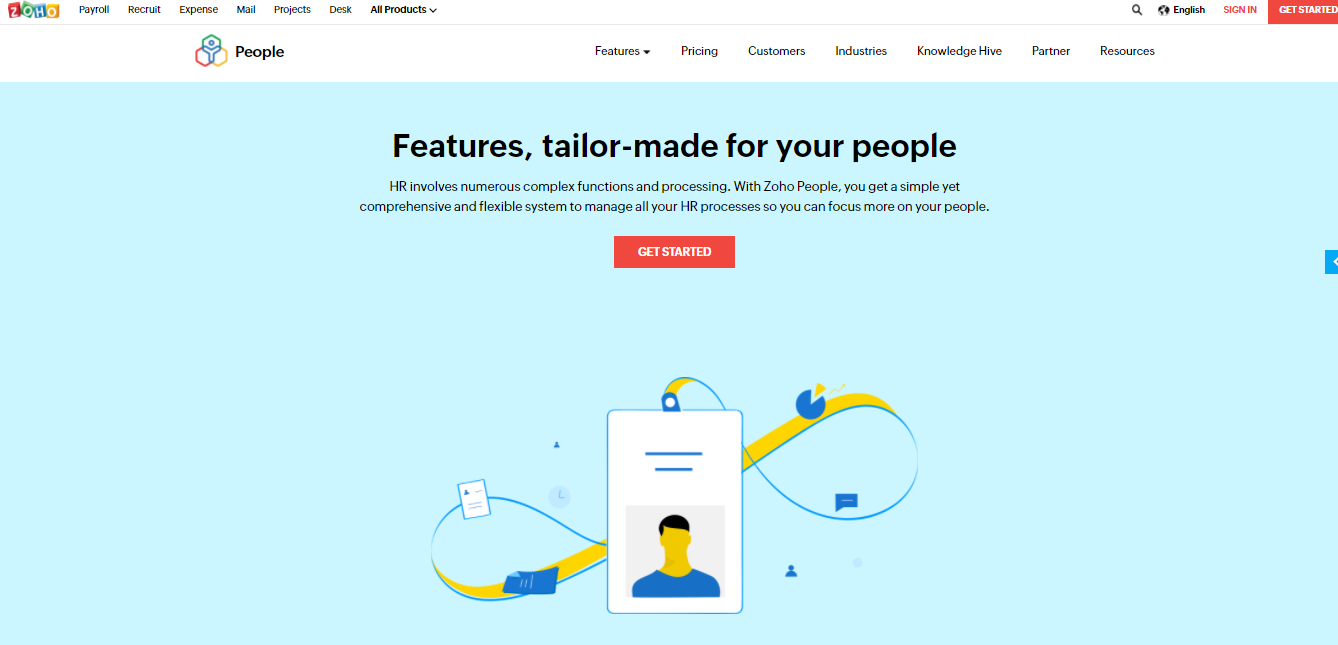
Zoho is an HR-friendly platform that combines employee management with document workflows. It’s a strong option when you want HR documents to live inside the same system you use for onboarding, time off, and core employee records.
What I like about Zoho is that it’s not trying to be “just a filing cabinet.” It’s trying to be your HR operating system, which makes document integration smoother for teams that don’t want to stitch together a bunch of tools.
Zoho is also a practical choice for organizations that want to scale gradually. You can start by centralizing employee files and permissions, then add more structure through automation and reporting as your team matures.
I chose Zoho because it’s one of the most straightforward ways to combine centralized employee files with broader HR workflows. For many teams, the simplest path to better document management is to stop separating “HR system” and “document system.”
It’s also a good fit when your HR team needs self-service access and consistent organization without investing in a complex DMS implementation.
Pros
Cons
Learn more: Zoho
Avokaado is built around document creation, execution, and tracking. For HR teams that generate a lot of standardized agreements, this can be a big productivity boost because it reduces drafting time and improves consistency.
It’s especially helpful when you need automated reminders and clear visibility into document status. That kind of tracking matters in HR because delays often happen when documents live in too many places.
Avokaado also fits teams that care about workflow clarity. If your HR process involves multiple stakeholders and repeated documents, a system built around templates, execution, and tracking can feel more natural than a generic folder-based approach.
I chose Avokaado because HR document management is often “agreement management” in disguise. If your team spends a ton of time drafting, sending, reminding, and tracking, Avokaado is a strong fit.
It’s also useful when you need automated reminders and a tighter loop between document creation and completion.
Pros
Cons
Learn more: Avokaado
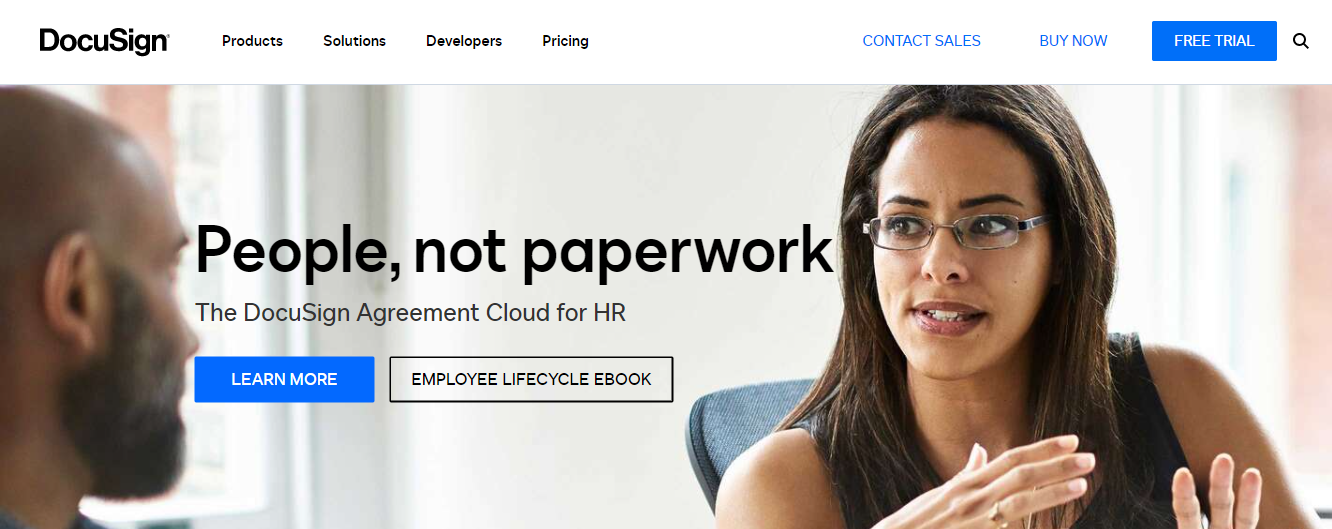
DocuSign is best known for e-signatures, but it’s also commonly used as the backbone of HR document execution. If your HR process revolves around signed documents, DocuSign can reduce turnaround time and get rid of paper bottlenecks.
It’s also a practical choice for remote and distributed teams. Mobile-friendly signing and status tracking reduce the back-and-forth that slows down onboarding and policy acknowledgements.
DocuSign is most effective when it’s integrated into your HR technology stack. If signing is separated from employee file management, you can still end up with the “where did we store the final version” problem.
I picked DocuSign because e-signature is one of the highest-leverage HR improvements you can make. If you remove signing friction, you speed up onboarding, reduce delays, and improve the employee experience.
It also tends to integrate well with broader HR systems, which helps keep signed documents connected to the employee record.
Pros
Cons
Learn more: DocuSign
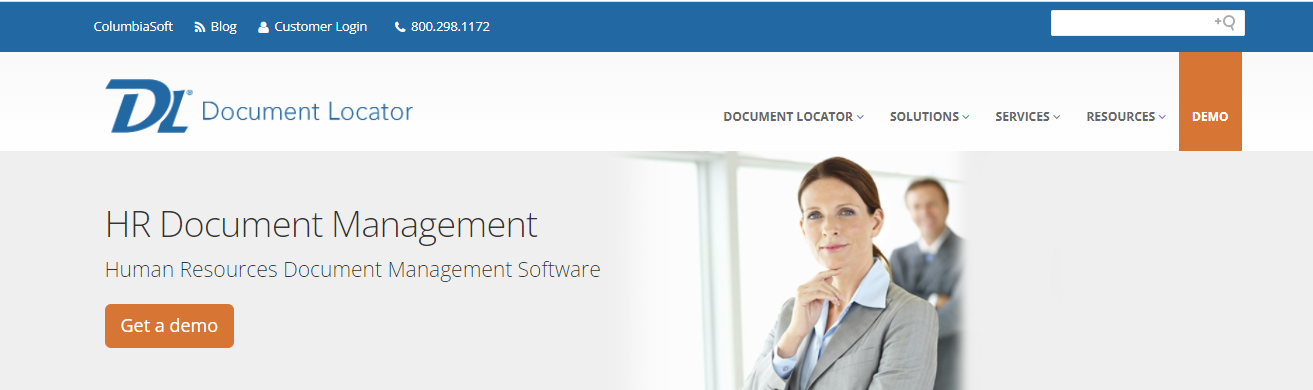
Document Locator is closer to what most people imagine when they say “document management system.” It’s built for organizing, securing, and retrieving documents with structure, audit trails, and reporting.
For HR, that structure matters because HR documents don’t just need to exist. They need to be defensible. You want audit trails, version history, and the ability to support compliance reviews without heroic effort.
Document Locator is also appealing when you want a training and support path that doesn’t assume HR will figure it out alone. Adoption improves when training content and vendor support are part of the plan.
I chose Document Locator because it’s a strong fit for HR teams that need “real DMS” capabilities like retention, audit trails, and controlled access. It’s less about fancy features and more about building a reliable system of record.
It also works well when you have a lot of legacy files and need a structured approach to organizing them.
Pros
Cons
Learn more: Document Locator
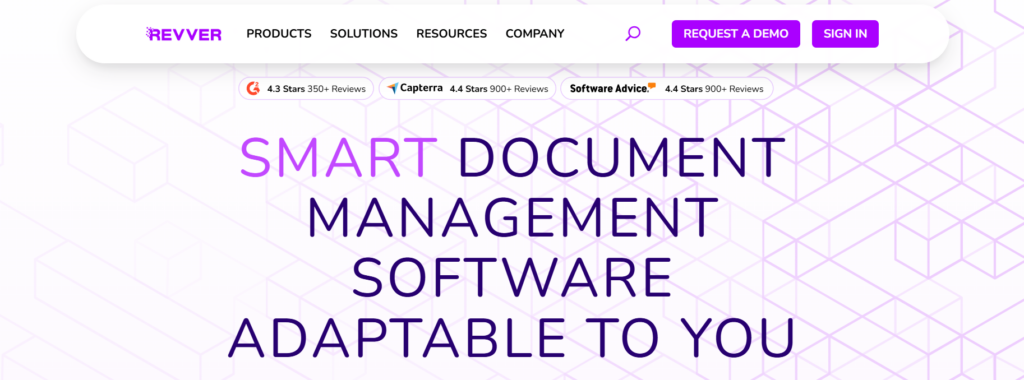
Revver is built to help teams store, secure, and retrieve documents quickly. For HR, that usually means employee files, benefits documentation, performance records, and operational HR paperwork.
I like Revver when HR needs stronger document control without sacrificing usability. HR teams don’t want to fight a tool every day, and Revver tends to emphasize practical workflows and accessibility.
It also supports audit tracking and access control, which makes it suitable for teams that need compliance support but want a user-friendly interface.
I selected Revver because it balances usability with the governance HR needs. It’s a good fit for teams that want to centralize employee files, tighten security, and get better audit trails without building a complicated system from scratch.
It’s also helpful when you want a DMS-style tool that can grow with your needs over time.
Pros
Cons
Learn more: Revver
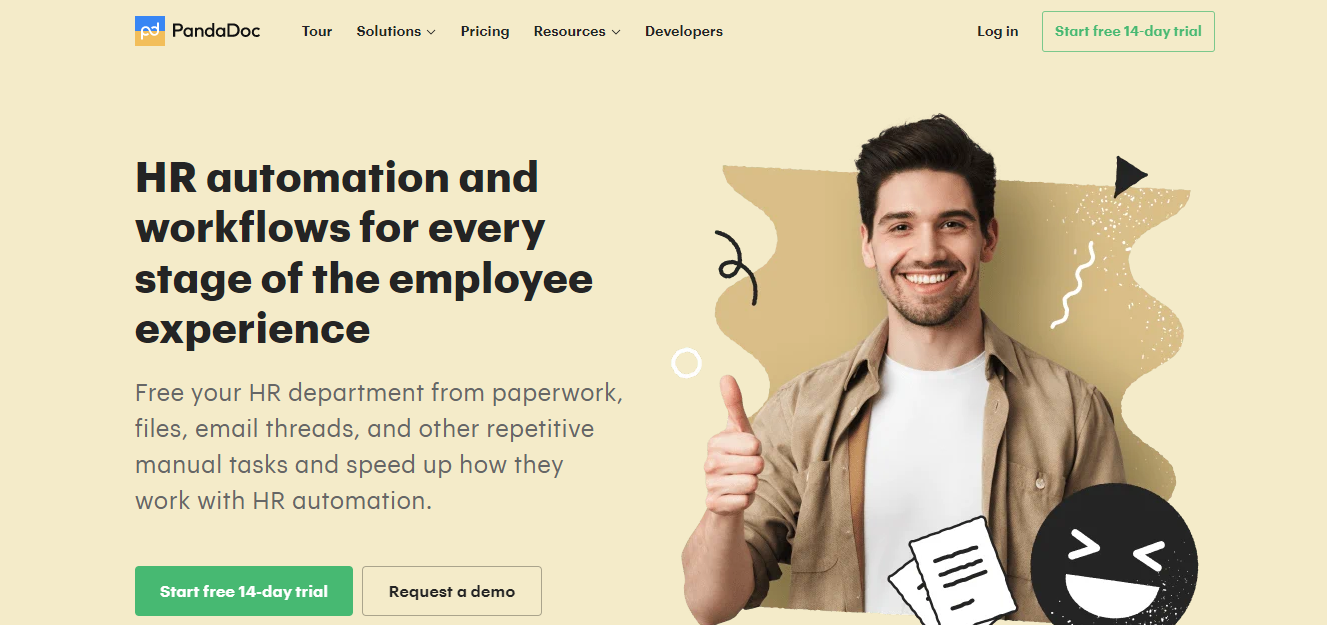
PandaDoc combines document creation, templates, workflows, and e-signatures in one platform. HR teams often use it for offer letters, agreements, policy acknowledgements, and any process where templated documents and signing happen repeatedly.
It’s also built around visibility and engagement tracking, which can help HR understand what’s happening with documents in flight. That’s useful when you have a high volume of documents moving between HR, managers, and employees.
PandaDoc is a strong fit when your HR document process is highly templated. If your biggest HR pain is “creating, sending, getting signed, and tracking,” PandaDoc addresses that directly.
I chose PandaDoc because it’s a practical “document execution system” for HR. If you want templates, approvals, e-signatures, and tracking in one place, it can reduce tool sprawl and simplify workflows.
It’s also helpful when HR wants to standardize documents and reduce time spent rewriting the same agreements.
Pros
Cons
Learn more: PandaDoc
HR document management software is a system that stores, secures, and organizes employee files and HR documents in one place. Instead of relying on file cabinets, scattered shared drives, or personal inboxes, you get a centralized employee file structure with controlled access and trackable changes.
The best tools do more than storage. They add workflow automation, metadata indexing, version history, and reporting dashboards so you can prove compliance, meet deadlines, and avoid “we can’t find it” surprises.
HR teams feel the benefits fastest in three areas: time savings, compliance confidence, and employee experience.
A central document management system reduces friction across everyday processes like onboarding, policy acknowledgements, and performance cycles. When people can use advanced search to retrieve the correct file quickly, HR stops playing the human search engine.
Compliance also gets simpler. With audit trails, activity monitoring, and audit-ready evidence, you can respond to compliance reviews and legal holds without panic, because the system already knows what happened and when.
When I’m evaluating HR document management software, I’m not looking for the biggest feature list. I’m looking for the features that reduce HR’s daily workload while improving security and auditability.
A good system gives you dedicated employee folders that follow a consistent structure. Pair that with advanced search and metadata indexing, and you can find documents even if the file name is messy or inconsistent.
This matters more than it sounds. “We can’t find the signed version” is usually a retrieval problem, not a signing problem.
HR documents include sensitive data, so access rights need to be granular and easy to manage. The best tools support role-based user permissions, privacy settings, and secure sharing links that don’t accidentally expose confidential information.
If permissions are too hard to administer, teams work around them. That’s when files leak into email attachments and personal drives.
Version history and audit tracking are what turn document storage into compliance support. You want clear document history reports, audit trails, and the ability to generate audit reports quickly.
Reporting dashboards also matter for operational control. Real-time reporting helps you monitor what’s incomplete, what’s overdue, and what’s stuck in review.
HR runs on acknowledgements, agreements, and forms. E-signature platforms reduce delays. However, the bigger win is automated HR document workflows that route the right doc to the right person, send automated reminders, and track completion.
Workflow automation becomes especially useful when you have high-volume onboarding or high turnover. The more repetitive the process, the more automation pays off.
AI in HR document management is most useful when it reduces repetitive work and improves consistency. It’s less about flashy “AI writing” and more about document intelligence and process reliability.
AI document intelligence helps with document classification, metadata application, automated indexing, and data extraction. In practice, this looks like a system recognizing a document type, pulling out key fields, and applying consistent tags so files land in the right place.
For HR, that is a big deal. It reduces filing errors, improves retrieval, and makes reporting more accurate because your metadata isn’t dependent on someone remembering the rules on a busy day.
Automation is where HR gets real ROI. Automated reminders nudge employees and managers before deadlines, and compliance rules can enforce steps like approvals, acknowledgements, or retention behaviors.
The best systems also help produce audit-ready evidence by tracking completion events and maintaining consistent logs. That way, if someone asks, “Did we do this?” you can show it without digging through inboxes.
Real-time reporting helps HR leaders see the health of document processes. Activity monitoring can highlight bottlenecks like “offer letters are created but not signed” or “policy acknowledgements are lagging in one department.”
This is also where automation becomes a management tool, not just a convenience feature. You can spot problems early instead of discovering them during an audit or incident.
Here are some of the top technical writing courses you can check out to strengthen your writing and documentation skills.

Retention is where a lot of HR teams get uncomfortable, because the rules are not always simple, and mistakes can be expensive. The goal is to have a retention matrix that’s clear enough to follow and automated enough to enforce.
A retention matrix outlines what you keep, how long you keep it, and what happens at the end of that period. HR usually has different rules for different categories, like recruiting, onboarding, performance, policy documentation, and credential verification documents.
The mistake I see most often is treating retention like a single policy. In reality, it’s multiple policies in a trench coat, and a good HR document system should support that.
Automated retention reduces human error. It helps ensure documents are retained for the required period, flagged for review, and disposed of securely when appropriate.
Legal holds are the exception case that must be easy to apply. If your system can’t reliably suspend disposition when needed, you’ll end up with manual workarounds that don’t scale.
Audit trails make retention defensible. If a document was deleted as part of policy, the system should show that it happened through secure file disposition, not because someone hit delete on a whim.
When compliance deadlines show up, being able to generate audit reports quickly is the difference between calm and chaos.
HR document management works best when it sits inside your HR technology stack instead of living as a silo. The right integrations remove duplicate data entry and reduce the chance of mismatched records.
Your HR system of record is typically your HRIS or HCM. Your document system should integrate so that employee profiles, identifiers, and organizational structure stay consistent.
This is also where provisioning matters. When someone changes roles, access rights should update accordingly, rather than relying on manual updates.
Applicant tracking systems and onboarding platforms often generate the first wave of HR documents. Payroll systems often depend on accurate documents and approvals.
If your document tool can connect to these workflows, you reduce the risk of missing paperwork, and you speed up the onboarding flow.
If e-signatures are core to your HR process, prioritize tight integration with your e-signature tool. The main thing to watch is whether signing events, version history, and audit trails stay connected to the employee record.
A system that forces you to download, upload, and re-file signed documents creates gaps. Those gaps become future “we can’t find it” problems.
HR document management looks different depending on industry constraints. The best tool is often the one that matches your risk profile and operational reality, not the one with the nicest demo.
Healthcare HR teams often deal with credential verification documents and compliance officer reviews. There can also be patient-related records that intersect with employee documentation, requiring careful permissions.
If this is your world, you’ll want strong audit trails, granular access permissions, and tight retention controls. You may also want to cross-check my guide to healthcare document management software for broader compliance patterns.
Education and government environments often have strict retention schedules, high transparency expectations, and a wide variety of document types. They also tend to involve lots of stakeholders, which increases permission complexity.
In these settings, automated retention and reliable audit-ready evidence matter as much as usability. You need people to follow the process even when turnover is high.
In retail, hospitality, or operations-heavy environments, onboarding and offboarding are constant. Automated HR document workflows, batch indexing tools, scan-to-cloud automation, and automated reminders can reduce the administrative burden dramatically.
The “win” here is throughput. You want the process to work even when your HR team is stretched thin.
Security is not just about encryption. It’s about whether the system can consistently enforce access rights, support audits, and help you respond to issues.
Look for role-based permissions, granular access permissions, and file encryption. You also want privacy settings that prevent accidental oversharing, especially when HR needs to collaborate with managers and external parties.
Encrypted document links can be useful, but they should still respect access rights and expiration rules. A link that lives forever is not a security feature.
HR compliance requirements vary by region, but most teams have a mix of employment regulations, documentation rules, and retention schedules. You want a tool that supports compliance documentation, audit trails, and clean version control for policies.
If you routinely deal with compliance reviews, audit transparency matters. That means logs that are easy to filter, export, and explain.
Audit trails should track view, edit, share, signature events, and deletions. Audit-ready evidence means you can produce a timeline without reconstructing it from screenshots and emails.
If a provider can’t explain how their audit trails work, that’s a red flag. HR needs reliable evidence, not vague assurances.
Choosing the right system is mostly about matching capabilities to your workflow and constraints. Implementation is about making sure the tool becomes the default way of working.
Start with a requirements definition and a preferred features list. Identify your top workflows, like onboarding, policy acknowledgements, performance reviews, and offboarding.
Then decide what must be automated. A feature comparison matrix helps you avoid buying a platform that looks good but doesn’t solve the core problems.
An ROI calculation should include time savings from automated indexing, automated reminders, and reduced retrieval time from advanced search. It should also include risk reduction benefits like audit readiness, legal holds, and fewer compliance misses.
In HR, ROI is often a mix of productivity and risk. If you only measure minutes saved, you miss half the value.
Migration is where many HR implementations get messy. You need a plan for metadata indexing, folder structure mapping, and how you’ll manage access rights.
Training content should be role-based. HR admins, managers, and employees interact with documents differently, so they need different guidance.
Vendor support matters more than people expect. Ask about dedicated support programs, response times, and whether the provider helps with migration tools, barcode recognition, or intelligent capture tools if you’re scanning paper.
If you’re relying on this system for compliance deadlines, support quality is not optional.
If you’re tightening governance across more than HR, these are worth reading next:
Here, I answer the most frequently asked questions about HR document management software.
HR document management software is tuned for employee file management, access rights, and HR workflows like onboarding and performance documentation. A general DMS can work, but it may require more configuration to handle privacy settings, role-based permissions, and HR-specific reporting.
If your HR team is managing a lot of sensitive files and compliance deadlines, choosing HR-friendly workflows usually improves adoption and reduces risk.
Most organizations store offer letters, signed agreements, policy acknowledgements, performance reviews, training records, and credential verification documents. Many teams also store compliance documentation, audit trails, and templates used for onboarding flow and employee changes.
The key is consistency. You want a single source of truth for official employee documents, not a mix of drives, inboxes, and attachments.
Start with a retention matrix that defines categories and timelines. Then configure automated retention so documents are flagged for review, held when needed, and disposed of through secure file disposition.
If you routinely deal with legal holds, make sure the tool supports holds cleanly. A retention program that can’t pause disposition reliably is a future problem.
You want role-based permissions, granular access permissions, and file encryption as a baseline. Audit trails and audit transparency are also critical because they help you prove compliance and investigate issues.
Secure sharing should be controlled and traceable. If document sharing creates public links with no oversight, it’s not safe for HR.
Many can, but “integration” can mean anything from basic file attachments to fully automated workflows. Your evaluation should focus on whether employee identifiers sync, whether permissions remain consistent, and whether documents stay connected to the employee record.
If integration is important, ask vendors to show a real workflow in a demo. Don’t accept a vague “yes, we integrate” answer.
Keep the process simple and train by role. Provide short training content for HR admins, managers, and employees so each group understands how to retrieve documents, share safely, and complete acknowledgements.
Automation helps adoption, too. Automated reminders and clear workflow steps reduce the cognitive load, especially in high-turnover environments.
Get the weekly newsletter keeping 23,000+ technical writers in the loop.
Learn UX writing and advance your career.
Please check your email for a confirmation message shortly.





















Get our #1 industry rated weekly technical writing reads newsletter.
Your syllabus has been sent to your email