I’ve reviewed a lot of grant writer LinkedIn profiles over the years, and the biggest problem is almost always the same.
The profile is technically “complete,” but it doesn’t say why anyone should hire you.
It reads like a job description. Not a value proposition.
So I’m going to walk you through how I’d set up your LinkedIn to do one job: make a recruiter, nonprofit leader, or potential client think, “Cool, this person can help us win funding and keep the process organized.”
If you also want your resume to match your LinkedIn positioning, start here after you finish this guide: grant writer resume.
One thing to keep in mind is that this article will be straight-to-the-point with quick and effective steps that you can do now.
Your profile photo isn’t about looking “corporate.” It’s about looking trustworthy.
Grant writing is a trust job. You’re handling sensitive budgets, partnerships, and applications with high stakes, so your first impression should feel calm and professional.
Here’s what I recommend.
Use a recent photo where your face is clear and centered.
Keep the background simple and the lighting clean.
Aim for “approachable and competent,” not “passport photo.”
If you’re torn between two photos, ask a couple of peers which one looks more like someone they’d hand a deadline to. That sounds silly, but it’s the right test.
Also, don’t ignore the banner image. It’s free real estate.
A simple banner with your specialty can help, like “Grant Writer | Nonprofit Funding | Federal + Foundation Grants” or “Grant Writer | Workforce Development + Education | Budget Narratives + Compliance.”
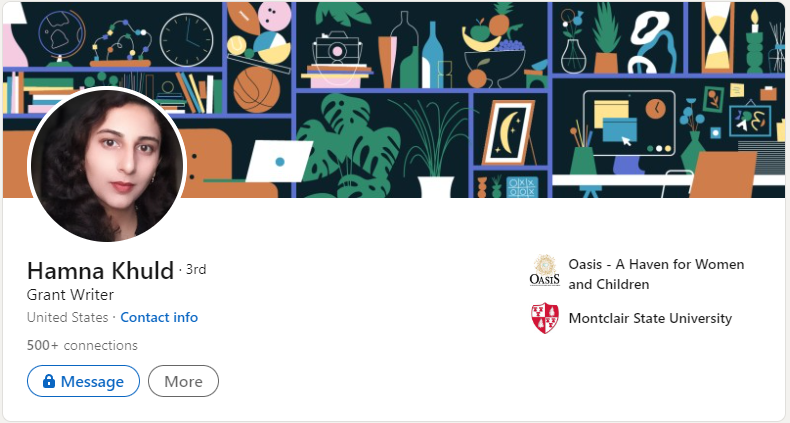
Here is an example of a strong and clear profile photo (Hamna Khuld):
This is one of those small LinkedIn settings that quietly changes how often you show up.
Recruiters and clients filter by location all the time, even for remote roles.
So I’d make sure your location is accurate and matches where you can realistically work.
If you’re open to remote, I still recommend choosing your real metro area instead of leaving it vague, because “nearby” still matters for many organizations.
If you’re targeting a specific city because you want local nonprofit work, set your location to that market and align the rest of your profile to it.
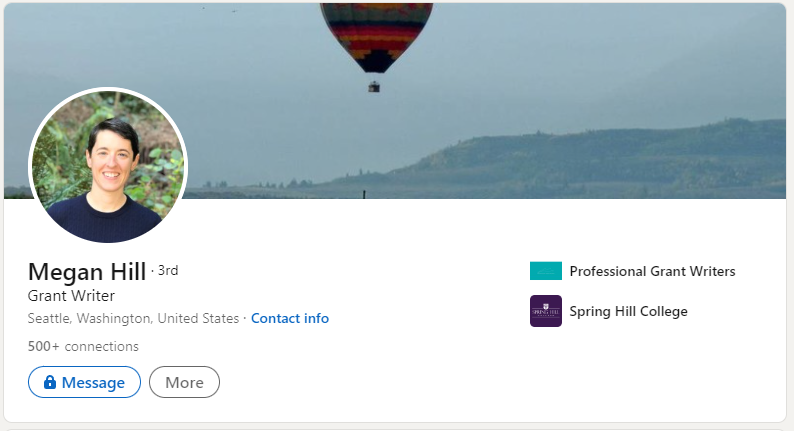
Most grant writers waste the headline. They write “Grant Writer” and call it a day. While not wrong, it leaves opportunity on the table. So, your headline should answer two questions fast:
Here are headline formulas I like:
If you’re early career and you don’t have a clean “funds generated” number yet, that’s fine. Use the process value instead: compliance, research, budgeting, systems, deadlines. You’ll still stand out because you’re speaking the language of the work.
An example of a good headline is as follows (Jinny Jung):
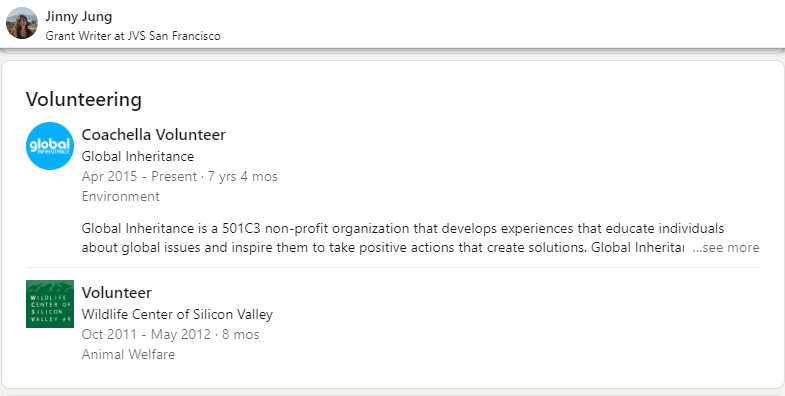
This is the section that does the heavy lifting. And it’s where most profiles become dry, vague, and “responsibilities only.”
I like a grant writer summary that feels like this:
That’s it.
Here’s a summary template you can copy and customize:
“I help nonprofits and mission-driven organizations secure funding through clear, compliant grant proposals and reliable submission management.
My strengths are grant research, proposal narratives that align to funder priorities, and budgets that actually match the plan. I’m especially comfortable translating program details into funder language, coordinating inputs from program managers and finance, and keeping deadlines from turning into last-minute chaos.
Highlights:
If you’re hiring or looking for support, the easiest way to reach me is: your email address or your website contact page.”
A few quick notes on this.
Include keywords naturally, but don’t keyword-stuff.
Say “grant proposals,” “grant research,” “budget narrative,” “letters of support,” “compliance,” and “reporting” if those are truly part of your skill set.
Mention the sectors you know, like education, healthcare, environmental, community development, workforce programs, public policy, or social services.
And please include a call to action. People will not guess how you want to be contacted.
If you want a reference for how grant writers talk about skills and outcomes, this pairs well with your summary work: grant writing skills.
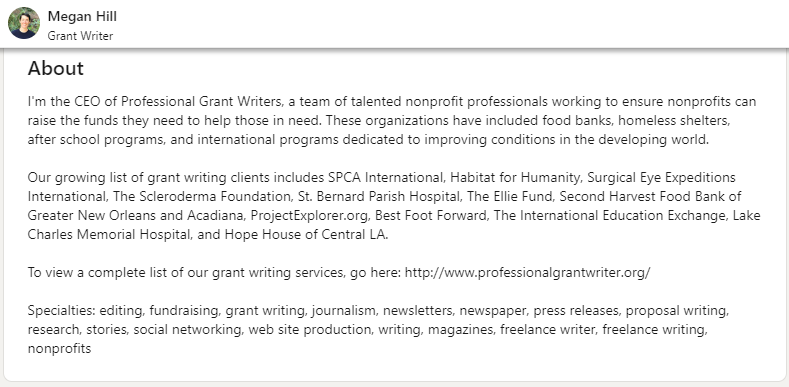
This is the part that makes me want to shake people. They have a great profile, then they make it hard to contact them. So, do these three things.
If you’re freelance or consulting, I’d also add one line in your About section like:
For project inquiries: email me at _____ or book a short intro call at _____.
If you’re applying for jobs, still add your email. Recruiters move fast. Don’t make them dig.
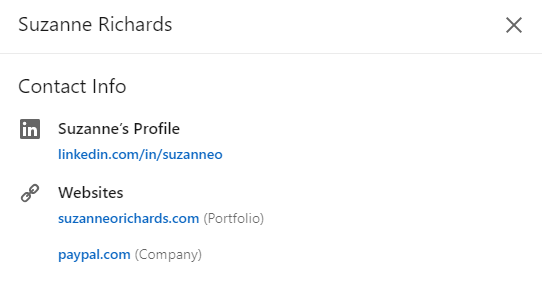
Here’s how to add a link:
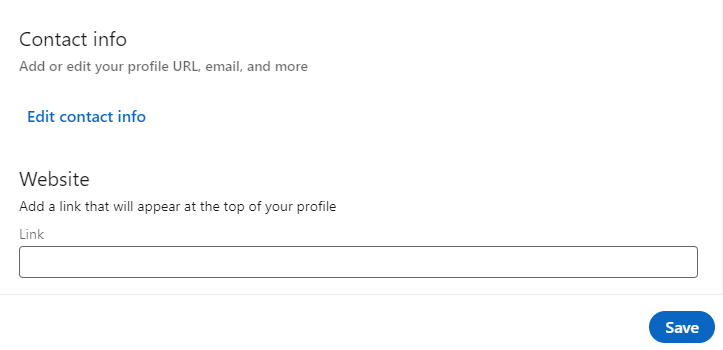
Here is what it looks like:
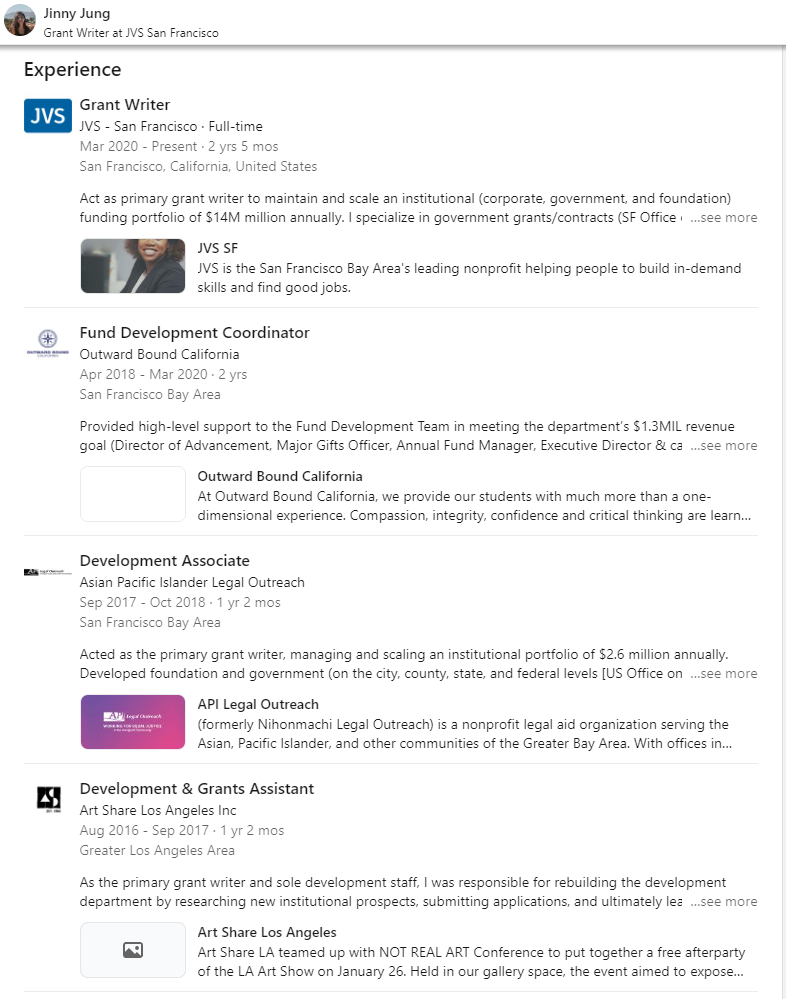
Next, let’s talk the experience section. Your Experience section should read like proof, not like a task list. A grant writer “job description” bullet looks like: “Wrote grant proposals and managed submissions.”
A grant writer “hire me” bullet looks like: “Led grant submissions from opportunity fit check through final compliance review, coordinating program and finance inputs and managing attachments to ensure on-time, guideline-aligned submissions.”
So here’s how I’d structure each role:
Examples that work well:
If you can share wins, share them.
If you can’t share exact numbers, use ranges or softer outcomes like “secured multi-year funding” or “supported successful renewal submissions.”
Also, if you have older jobs that aren’t relevant, don’t delete them. Just shorten them and emphasize transferable skills like research, writing, editing, stakeholder management, and deadline-driven work.
If you want your LinkedIn to match what hiring managers expect, this guide helps as a companion: grant writer interview questions.
Education matters less than proof, but it still helps with credibility. Add your degree, yes.
But also add:
I’d rather see 20 highly relevant skills than 50 vague ones.
Skills I’d consider for grant writers:
If you’ve taken courses on LinkedIn Learning or Udemy, include them if they’re relevant and recent.
They won’t replace experience, but they can support your story if you’re making a career change.
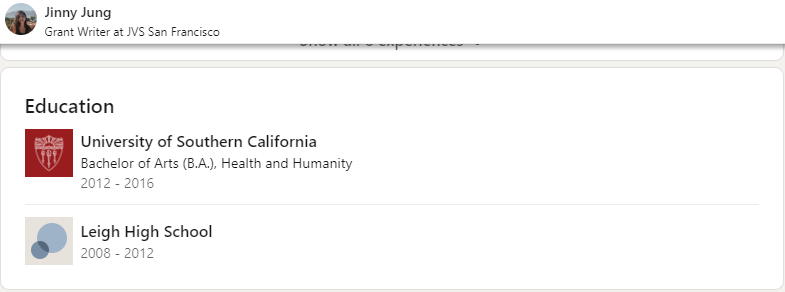
Here is what the Education section on LinkedIn should look like:
Recommendations are social proof, and social proof matters a lot in grant work.
If I were building your profile, I’d try to get 3 to 5 recommendations that show different angles:
Make it easy.
Ask for one specific point they can speak to, like:
Can you write a recommendation focused on how I managed deadlines and kept the proposal compliant?
Or:
Can you mention how I coordinated program and budget inputs and kept the narrative consistent?
Endorsements matter less than recommendations, but they don’t hurt if they reflect your real work.
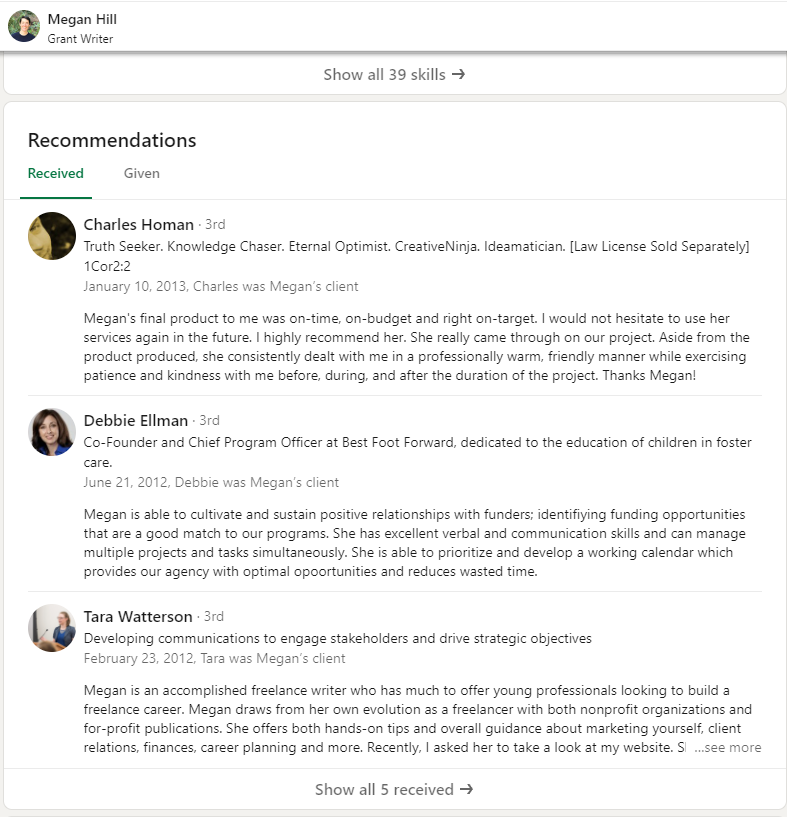
There are two ways to get recommendations:
When recruiters see that other professionals have vouched for you, employers will consider this before shortlisting you.
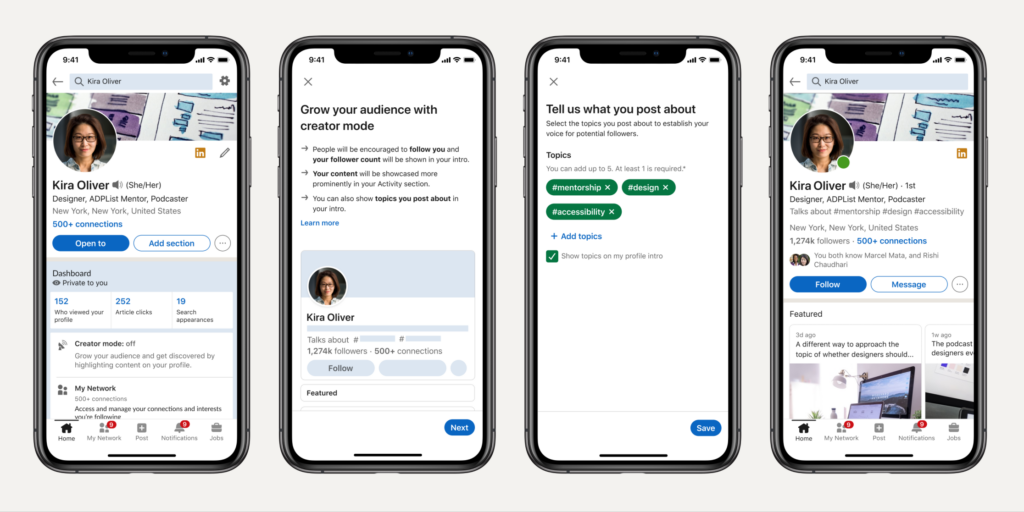
LinkedIn’s Creator Mode is a new way for users to share their original content on the platform. The goal of Creator Mode is to help members better connect with professional communities and share insights in more thoughtful and authentic ways.
When you enable Creator Mode, your profile will reflect that you’re an “original content creator.” This designation will appear on your profile and will be visible to other LinkedIn members. LinkedIn will provide you with tools and resources to help you create and share your content. You can create content in the shape of videos, articles, and blog posts and by commenting on others’ posts.
Creator Mode can help you reach a larger audience. Creator Mode is worth checking out if you’re looking for a new way to share your original content.
It also helps you develop your brand on LinkedIn, which is a great way to differentiate yourself from other grant writers.
Here is what this feature does:
Here is how this works in the following example:
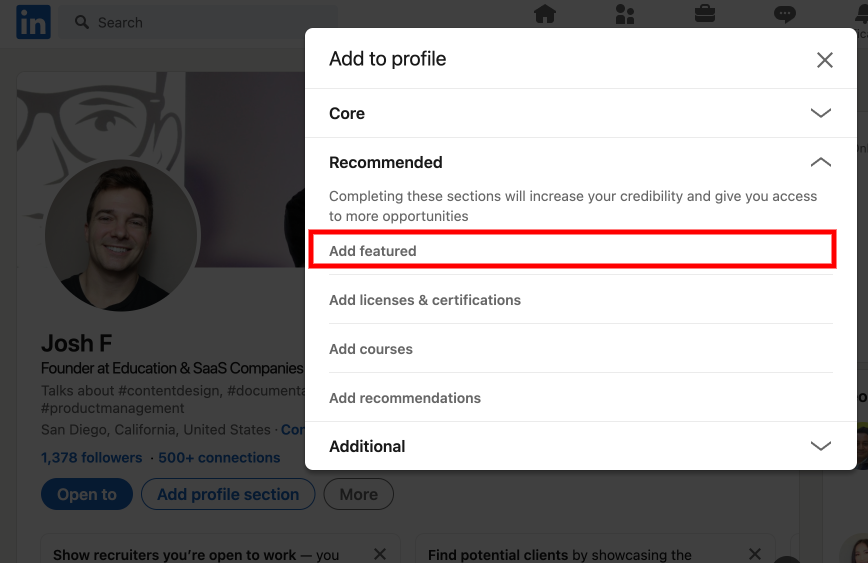
As in the screenshot of Melissa’s profile above, you can add a featured section to showcase your portfolio links, such as a sample UX microcopy, resume, consultation link, and other resources to help you stand out. To add a link or work samples to the Featured section on your profile.
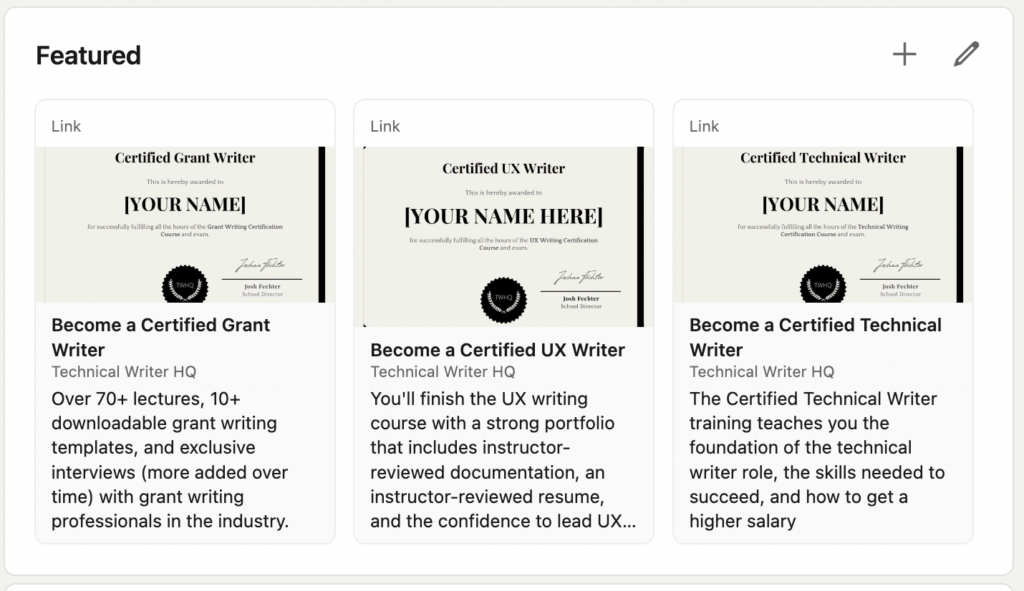
On my LinkedIn profile, I added several of the certifications that Technical Writer HQ provides. This way if someone clicks on any of these featured links, they get taken right to the certification pages on Technical Writer HQ to sign up for the course.
If you want a fast “did I do the basics?” list, here’s mine.
I think LinkedIn works best when you treat it like a proposal.
You’re making a case for why someone should trust you with money, deadlines, and compliance-heavy work.
So make it easy to say yes.
Get the weekly newsletter keeping 23,000+ technical writers in the loop.
Learn grant writing and advance your career.
Please check your email for a confirmation message shortly.





















Get our #1 industry rated weekly technical writing reads newsletter.
Your syllabus has been sent to your email