Our reviewers evaluate software independently. Learn how we stay transparent, our methodology, and tell us about anything we missed.

Our reviewers evaluate software independently. Learn how we stay transparent, our methodology, and tell us about anything we missed.
Legal document management sounds simple until you’re digging through five email threads, three shared drives, and a mystery “final_v7_REALfinal.docx.” I’ve found myself in this situation more than once. These are the tools I’d personally look at in 2026 if I needed secure, matter-centric legal document control.
Here’s my pick of the 9 best platforms for legal teams.
I’ve worked with founders, compliance teams, and legal departments that underestimated document chaos. And legal chaos is different. It carries risk. Version confusion, missed clauses, incorrect filings, and data exposure can cost real money.
Legal document management software is not just about storage. It’s about encryption, audit trails, matter management, version control, and structured workflows that reduce human error.
If you implement the right system, you improve efficiency, reduce compliance risk, and make remote legal work actually possible.
When I evaluate legal document systems, I care about three things first: security, matter-centric organization, and workflow integration. After that, it’s about automation, integrations, and how realistic the adoption curve is for lawyers who just want to practice law.

NetDocuments is built for firms that cannot afford compliance mistakes. It is cloud-based, secure, and designed specifically for legal environments that operate under strict regulatory requirements.
This platform focuses heavily on encryption, user-level access controls, and audit trails. If your firm deals with GDPR, HIPAA, or sensitive cross-border matters, this type of infrastructure matters.
It also integrates well with Microsoft Office, which means attorneys can draft inside Word while documents are automatically saved and version-controlled in the background.
I picked NetDocuments because it balances cloud-based storage with serious compliance discipline. It feels built for legal risk management, not just file organization.
Pros
Cons
To learn more, check out NetDocuments on their website.

iManage is a heavyweight in legal document management. Large firms with complex structures often rely on it because it handles massive document volumes while maintaining structured governance.
It supports advanced search capabilities, document profiling, metadata tagging, and compliance tools. This matters when your firm has thousands of active matters.
It also integrates with third-party platforms, including e-billing systems, CRM tools, and practice management software.
I picked iManage because it’s proven in large law firm environments. It handles scale, complex permissions, and structured workflows without breaking.
Pros
Cons
To learn more, check out iManage on their website.

Clio Manage blends document management with practice management. That makes it attractive for smaller firms that want everything in one platform.
It supports matter management, client intake forms, secure client portals, and integrations with third-party apps. If you want fewer tools and more integration, this is appealing.
Clio also supports electronic signatures and cloud-based access, which makes remote legal work smooth.
I picked Clio because it’s realistic for smaller firms. It combines document organization, billing, and workflow automation in a manageable system.
Pros
Cons
To learn more, check out Clio Manage on their website.
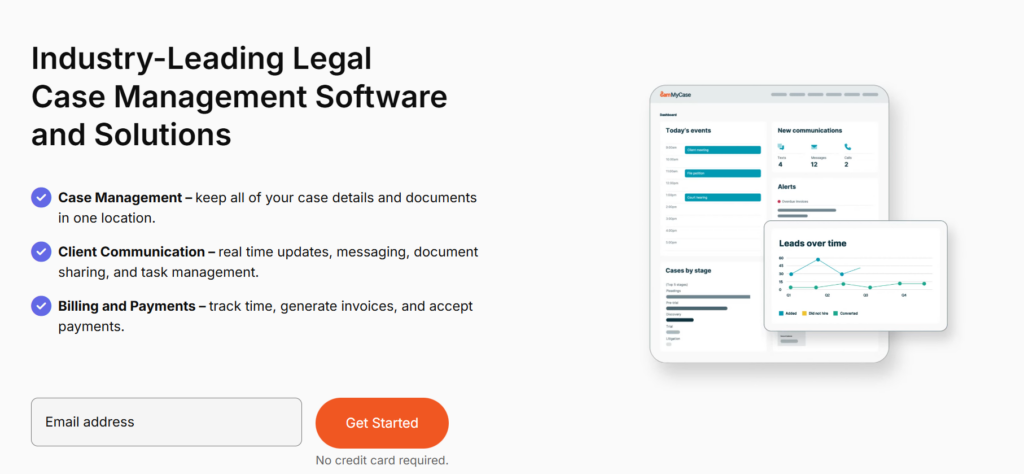
MyCase is designed for firms that care deeply about client experience. It blends legal document management with billing, client communication, and matter tracking in a single interface.
What stands out is the client portal functionality. Clients can upload documents, view case updates, and securely message their attorney without endless email threads. That reduces version confusion and keeps communication centralized.
It also supports document automation, customizable intake forms, and matter management. For firms that want smoother intake-to-resolution workflows, MyCase is practical and approachable.
I picked MyCase because it simplifies the client-facing side of legal work. It reduces friction between document management and client communication, which is where many smaller firms struggle.
Pros
Cons
To learn more, check out MyCase on their website.
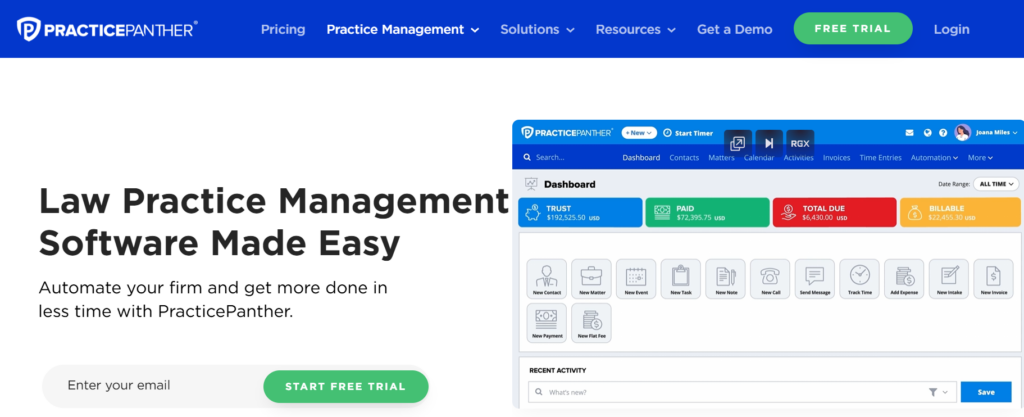
PracticePanther is built for firms that want to automate repetitive workflows. It combines matter management, billing, and document tracking in a clean, cloud-based system.
The platform supports workflow automation, document version control, and integration with third-party platforms. That helps eliminate manual routing and repetitive administrative tasks.
It also integrates well with Outlook and other commonly used legal tools. For firms trying to modernize without jumping into enterprise complexity, this strikes a balance.
I chose PracticePanther because it leans heavily into workflow integration. If your firm wants fewer manual handoffs and more automation, this is a strong contender.
Pros
Cons
To learn more, check out PracticePanther on their website.
Worldox has long been known as a document management solution for firms that prefer more traditional deployments. Many firms use it as a bridge between on-premise systems and cloud environments.
It supports document profiling, matter-centric organization, and strong version control. For firms hesitant to move fully to the cloud, this provides flexibility.
Search functionality is solid, especially for structured legal repositories. Firms with years of archived documents often appreciate their document classification capabilities.
I picked Worldox because it offers a transition path. Not every firm is ready for a fully cloud-native system, and this helps modernize without forcing an overnight shift.
Pros
Cons
To learn more, check out Worldox on their website.

Smokeball is known for its document automation capabilities. It is especially popular in firms that handle high volumes of standardized documents like estate planning, real estate, or family law.
The platform provides automated templates, conditional logic, and matter-based workflows. That significantly reduces drafting time for repeatable document types.
It also includes advanced reporting and analytics. Firms can track productivity and matter progress alongside document activity.
I picked Smokeball because automation directly increases profitability in document-heavy practices. When you automate drafting, you increase speed and reduce errors at the same time.
Pros
Cons
To learn more, check out Smokeball on their website.
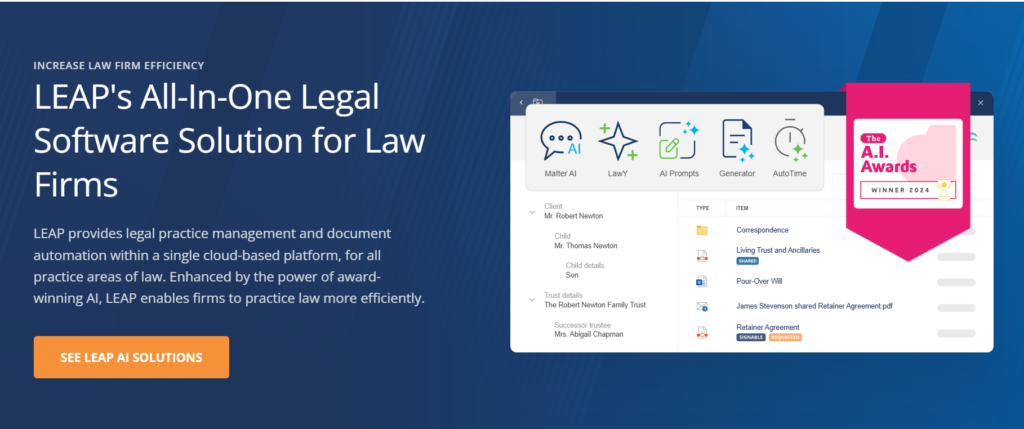
LEAP is designed for firms that want document management tightly connected to matter workflows. It includes built-in legal templates tailored to different practice areas.
The system integrates document automation with matter tracking. That reduces the disconnect between drafting and case management.
It also supports cloud-based access and structured organization. Firms that rely heavily on standardized forms often find it efficient.
I picked LEAP because it combines templates with matter management in a way that feels cohesive. Instead of documents living separately, they become part of the case lifecycle.
Pros
Cons
To learn more, check out LEAP on their website.
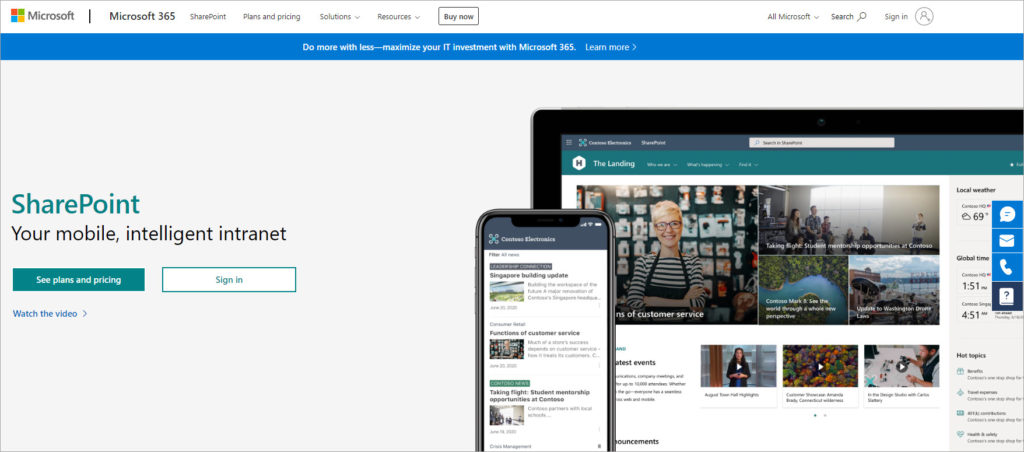
SharePoint can serve as a legal document management solution when configured properly. Firms already using Microsoft 365 often consider it because it integrates directly with Outlook, Teams, and Word.
It offers cloud-based access, document tagging, audit trails, and role-based access controls. With the right governance structure, it can support a matter-centric organization.
However, it requires careful configuration. Without structured metadata and permissions, it can become messy quickly.
I picked SharePoint because many legal teams already pay for it. With proper configuration and workflow automation, it can serve as a cost-effective document management foundation.
Pros
Cons
To learn more, check out SharePoint on their website.
Legal document management software is not just a digital filing cabinet. When implemented correctly, it fundamentally changes how a firm operates.
First, it improves efficiency. Automated templates, workflow automation, and document classification reduce repetitive drafting and manual sorting. Attorneys spend more time practicing law and less time hunting for files.
Second, it reduces risk. Features like encryption, user-level access controls, and version control prevent unauthorized access and version confusion. In legal environments, even small mistakes can have major consequences.
Third, it supports remote and hybrid work. Cloud-based storage, Microsoft Office integration, and secure client portals allow attorneys to collaborate from anywhere without sacrificing compliance.
In my experience, the real value shows up in fewer errors, faster turnaround, and improved client confidence.
AI is starting to reshape how legal documents are handled, and it goes beyond search.
We are seeing AI-powered intake systems that triage emails automatically. AI email intake tools can classify new matters, extract key data, and route documents without manual sorting.
Other systems use optical character recognition to make scanned documents searchable. That eliminates hours of manual indexing.
AI also powers:
When AI integrates with contract lifecycle management systems, firms can connect document drafting directly to contract review and compliance monitoring.
The future is less about storing documents and more about intelligently managing them.
Look for encryption, audit trails, role-based access controls, and regulatory compliance capabilities. If your firm handles sensitive health or financial data, these features are non-negotiable.
Does the platform integrate with Outlook, billing systems, CRM tools, or practice management software? Workflow integration reduces friction and increases adoption.
Advanced search and document profiling save time. Conditional logic and metadata tagging improve retrieval dramatically.
Small firms may need flexibility. Larger firms need structured governance and scalability. Choose a system that grows with you.
Legal software fails when firms underestimate change management.
Start with a structured migration plan. Identify active matters first. Avoid dumping outdated files into a new system without cleaning them.
Next, invest in migration and training. Lawyers need to understand version history, workflows, and intake processes.
Finally, assign ownership. Vendor accountability, internal champions, and clear implementation timelines make adoption smoother.
The legal industry is moving toward unified platforms that combine matter management, document automation, and compliance oversight in one ecosystem.
We are seeing deeper integration with CLMs, CRM systems, and e-billing tools. The goal is centralized organizational knowledge rather than fragmented tools.
AI will continue expanding into document triage, predictive document routing, and automated compliance monitoring. Full-text AI-powered search will become standard.
Long-term, legal document systems will act as operational infrastructure. They will connect workflows, automate repetitive work, and surface risk signals proactively instead of reactively.
Here, I answer the most frequently asked questions about legal document management software.
Yes, when properly implemented. Look for encryption, audit trails, and compliance certifications. Many modern cloud systems are more secure than on-premise servers.
Most leading platforms support electronic signatures or integrate with signature providers. This speeds up contract approvals and client onboarding.
Use systems with clear document version control and version history tracking. Avoid relying on email attachments as primary document storage.
Yes. Many integrate with e-billing platforms and practice management tools to streamline workflows.
Enterprise-grade tools often support compliance with regulations like GDPR and HIPAA. Always verify certifications before purchasing.
Implementation timelines vary by firm size and migration complexity. Smaller firms may implement within weeks. Larger firms often require structured rollout phases.
Get the weekly newsletter keeping 23,000+ technical writers in the loop.
Learn documentation engineering and advance your career.
Please check your email for a confirmation message shortly.





















Get our #1 industry rated weekly technical writing reads newsletter.
Your syllabus has been sent to your email