Our reviewers evaluate career opinion pieces independently. Learn how we stay transparent, our methodology, and tell us about anything we missed.

Our reviewers evaluate career opinion pieces independently. Learn how we stay transparent, our methodology, and tell us about anything we missed.
If you’ve ever tried to “learn content design” by reading random blog posts, you know how it goes: everything sounds smart, and then Monday hits, and you’re back in Figma arguing about a button label like it’s a philosophy thesis.
That’s why I like books for this. The right ones don’t just teach concepts, they change how you work under real constraints: design systems, stakeholders, accessibility, messy IA, and all the little decisions that make a product feel clear (or confusing). Below are the content design books I’d keep within arm’s reach in 2026 if I wanted to get good fast.
If you’re new, start by grounding yourself in what content design is (and how it differs from UX writing and content strategy). I break that down in my guide to content design.
When I’m recommending books, I’m not looking for “interesting ideas.” I’m looking for books that change how you work on Monday.
Here’s what I optimized for:
If you work in digital products, accessibility is part of your job, whether or not your title says it. I prioritized books that help content designers think about inclusive language, accessible design, forms, challenges related to disability and impairment, and the realities of laws and guidelines.
I looked for clarity-first and user-needs-first books. The ones that teach frameworks for writing copy, voice and tone decisions, and how content design fits into design systems and service design standards.
The best books tie the words to the experience. That means research, user needs, information architecture, information scent, microcopy writing skills, and collaboration with designers and PMs. I recommend skimming what a content designer does.
Plain language and clarity
Plain language is not “simplifying.” It’s reducing cognitive load, removing ambiguity, and making content usable for more people. I leaned toward books that push clear structure, simple phrasing, and practical ways to handle stakeholder objections.
My favorite books give you tools: text patterns, editing practices, project briefs, pair writing, voice charts, and workflows you can repeat.
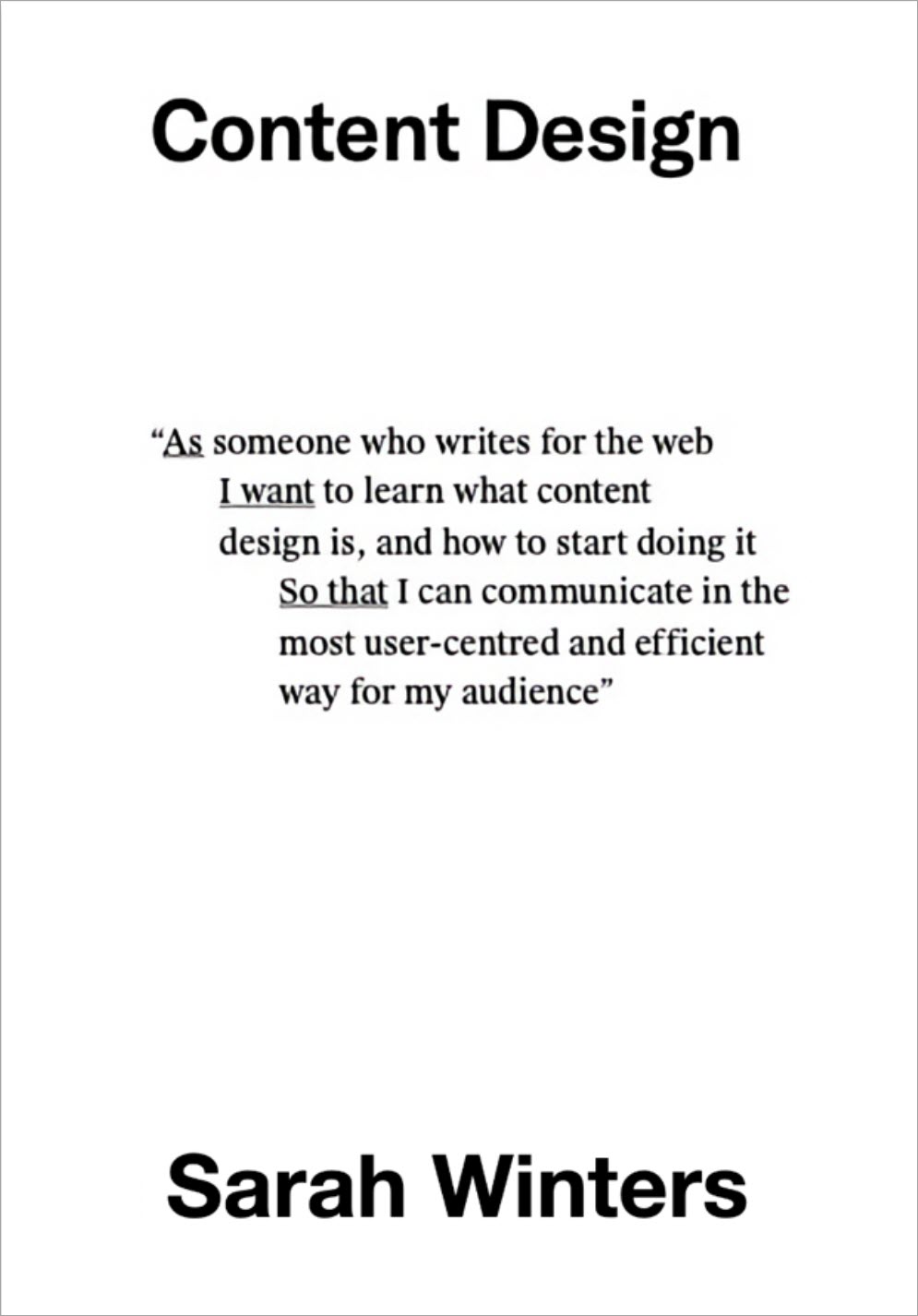
If you’ve ever looked at a screen and thought, “technically correct, but still confusing,” the book helps you understand why. It’s one of the clearest introductions to content design as a discipline, not just “writing better copy.”
I picked this one because it gives you the cleanest mental model for what content design is.
Many people get stuck because they’re trying to “write better copy” when the real problem is upstream. They don’t know the user’s needs, the journey is unclear, the information architecture is messy, or the team has no shared standards. This book pulls you out of the word-by-word mindset and into a process mindset: discovery, evidence, shaping, writing, testing, iterating.
It also reinforces something I learned the hard way earlier in my writing career. The writing is rarely the hard part. The hard part is deciding what to say, what not to say, and how to structure it so someone can succeed quickly. That’s content design.
To purchase, check out Content Design Amazon Page.
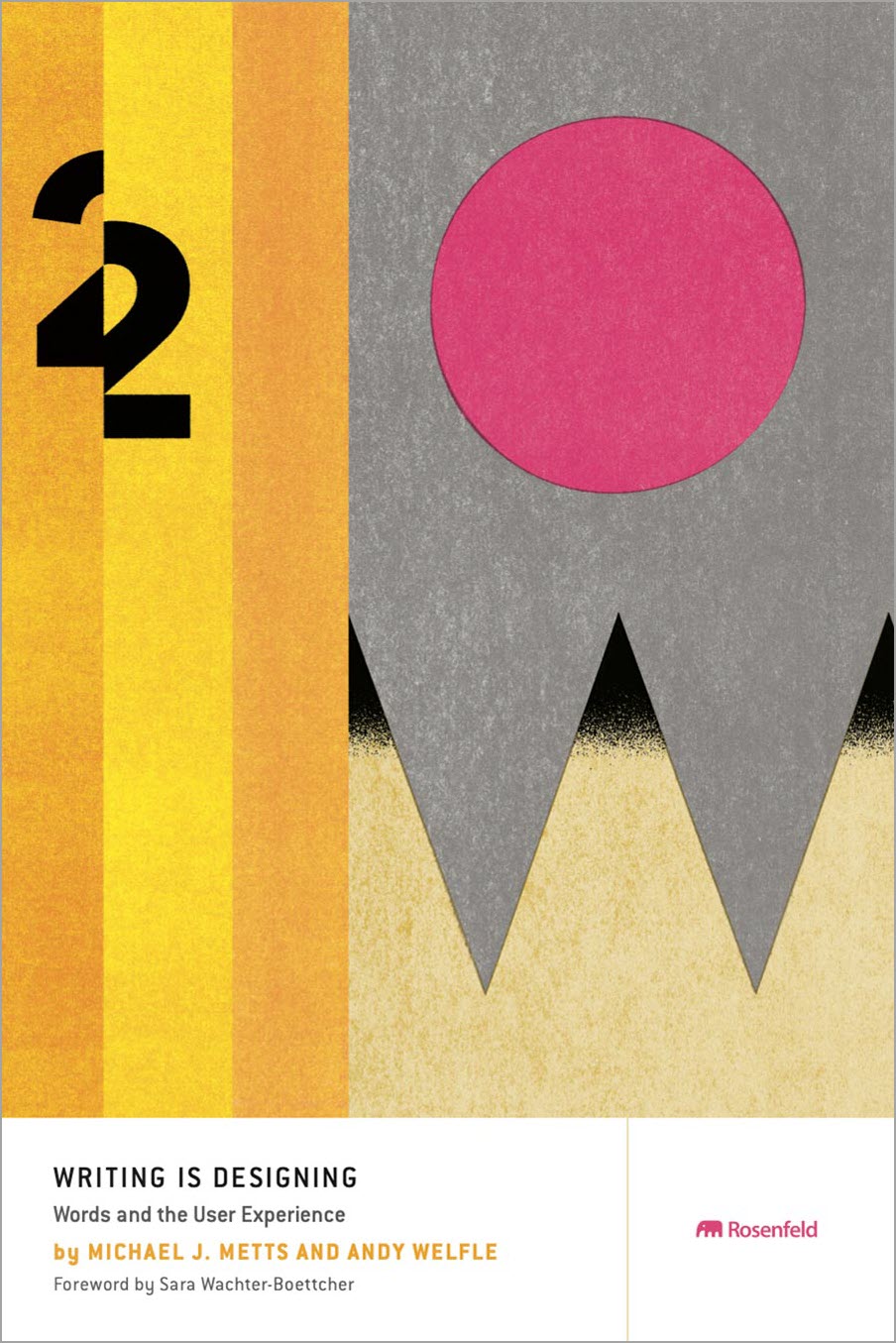
This is the book I point to when someone says, “it’s just UX copy.” It makes the case that language is part of the interface and that small words carry the greatest usability burden.
I picked this because it treats language like a design material, not an afterthought.
If you’ve worked on product teams, you’ve seen how quickly “just a label” turns into a debate about trust, clarity, tone, and conversion. This book gives you UX writing principles that help you stop improvising and start designing language with intent.
It’s also practical for microcopy. Error states, empty states, onboarding, form labels, and system messages are where users form their opinion of your product. If you want to get good at that layer, this book gives you structure and patterns, not vibes.
If you’re building your UX writing fundamentals, pair it with my UX writing guide.
To purchase, check out Writing is Designing Amazon Page.
You can master content design and UX writing skills through our UX writing certification course. Check it out here:

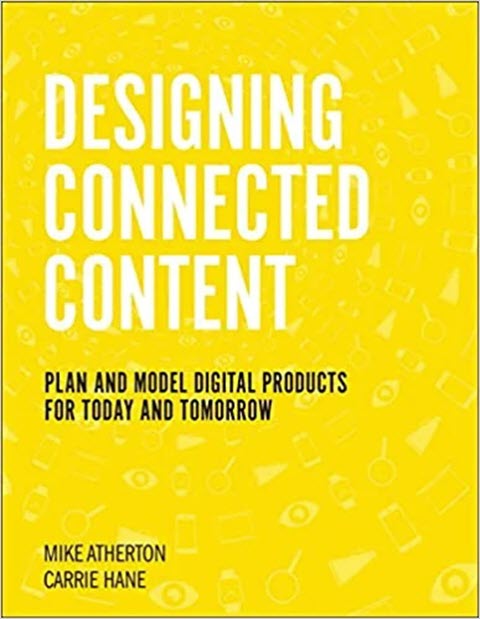
If your content feels like it was written by three different teams who never spoke to each other, this book helps you fix the root cause. It’s about designing content systems that stay consistent across channels, not just polishing one screen at a time.
I picked this because a shocking number of “content problems” are structure problems.
If users can’t find things, if terminology shifts across screens, if every new feature adds another one-off page, you don’t need better writing. You need a structured approach to content that scales. This book is a guide to designing content that works across channels and platforms without turning into a Frankenstein experience.
It’s useful if you work across ecosystems: web and mobile, help center and in-product guidance, workflows that span multiple touchpoints. It helps you think in systems, not pages.
To purchase, check out Designing Connected Content Amazon Page.
Accessibility can feel intimidating because people assume it’s all standards and audits. This book makes it practical and shows you where content decisions impact whether users can succeed.
I picked this because accessibility is not a “dev-only” responsibility.
Content designers influence accessibility: headings, labeling, alt text decisions, plain language, form instructions, error recovery, and how content is chunked. This book gives you a foundation so you can build habits without turning accessibility into a side quest you never finish.
If you’re trying to build career-ready skills here, I also list the content designer skills that matter most in 2026, including accessibility.
To purchase, check out Accessibility for Everyone Amazon Page.
If your product copy sounds robotic, this book helps you write like a human without losing clarity. It’s useful for flows where the UI is a dialogue: onboarding, confirmations, setup steps, and assistant-style experiences.
I picked this because conversation is a powerful lens for almost everything you write in product.
Onboarding flows, empty states, confirmations, settings, help content, chatbots, and even transactional emails all work better when they feel like human interactions rather than machine output. This book helps you design content that feels natural, while still being precise.
It also sharpens voice and tone decisions. When you treat a flow like a conversation, you cut jargon, reduce verbosity, and focus on what the user needs right now.
To purchase, check out Conversational Design Amazon Page.
Most teams say they want research, but they don’t have time for a full study every sprint. This book gives you a realistic way to build a lightweight research habit that improves your content decisions fast.
I picked this because “user-centered” is easy to say and hard to do when you’re moving fast.
Most teams don’t have time for big studies every time content changes. This book gives you a realistic research mindset and lightweight methods you can use in an agile setting. The value is not just research itself. It’s reducing uncertainty so your content decisions are based on something real.
If you’re trying to break into UX writing or content design, learn how to stand out in interviews.
Key features
To purchase, check out Just Enough Research Amazon Page.
If you’ve ever been right about a content change but still couldn’t get it approved, this book is for that moment. It helps you frame problems and solutions in a way that earns buy-in from stakeholders.
I picked this because content design is a persuasion job.
You’re persuading users to take action, and you’re persuading stakeholders to let you simplify, remove, rename, or restructure content. This book helps you tell the story of the problem and the solution in a way that gets buy-in.
It’s useful when you’re writing project briefs, presenting research, or pushing for better standards. If you’ve ever lost a content debate because you couldn’t frame the impact, this one helps.
To purchase, check out Storytelling in Design Amazon Page.
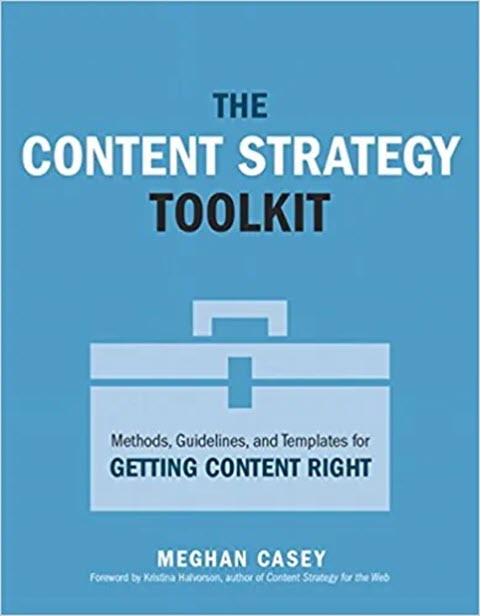
If your team keeps rewriting the same content in different ways, you don’t have a strategy problem, you have a process problem. This book gives you templates and workflows that turn “content chaos” into something repeatable.
I picked this because content design without strategy becomes random acts of copy.
If your team keeps shipping screens that don’t connect, or if your content changes depending on who last wrote it, you need strategy, templates, and workflows that create consistency. This book is strong on practical artifacts and repeatable processes.
If you want a broader view of how content strategy connects to UX, here’s my content strategy in UX guide.
To purchase, check out Content Strategy Toolkit Amazon Page.
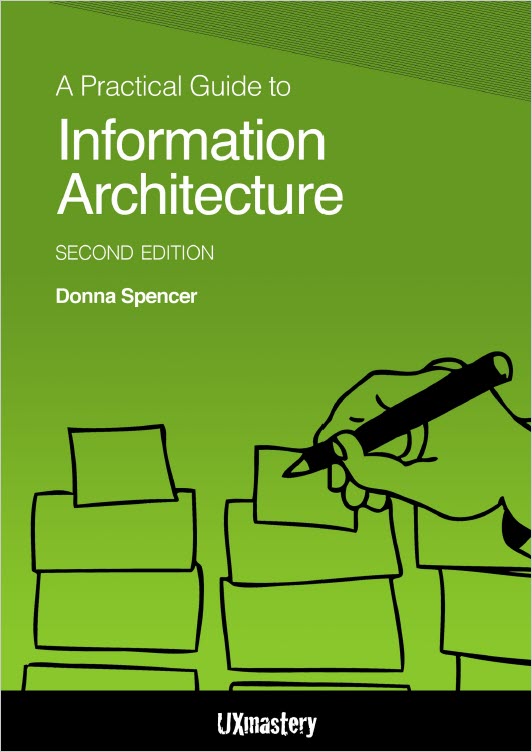
If users keep clicking the wrong thing, it’s rarely because your wording is slightly off. This book helps you fix the underlying structure so content becomes scannable and predictable.
I picked this because clarity is not just word choice, it’s structure.
You can write in perfect plain language and still fail if users can’t find what they need, or if the navigation and grouping make no sense. This book is useful for diagnosing information scent issues and organizing content in a way that feels obvious to users.
It’s also a great companion for help centers, documentation hubs, or content-heavy products.
To purchase, check out A Practical Guide to Information Architecture Amazon Page.
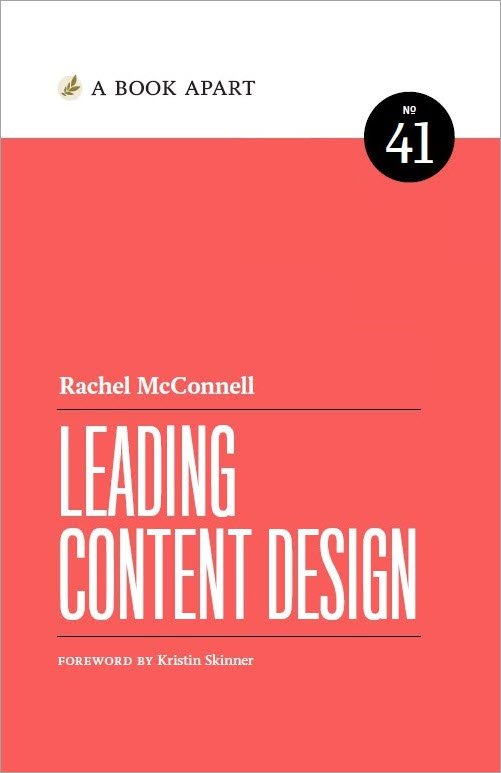
At some point, content work stops being a writing challenge and becomes an operating challenge. This book helps you build the systems, standards, and team habits that sustain good content.
I picked this because content problems become operating problems.
If your workflows are chaotic, requests are reactive, standards are inconsistent, and content gets “done” without being maintained, you’re dealing with content ops whether you call it that or not. This book is for the point in your career when you stop asking “how do I write this,” and start asking “how do I make this sustainable in our org.”
It’s also a great read if you’re moving into leadership or trying to level up from mid-level execution into building systems and standards.
To purchase, check out Leading Content Design Amazon Page.
Content design is the process of crafting the words, structure, and delivery of content so users can do what they came to do. It’s user-centered, evidence-based, and tied to the product experience, not just “good writing.”
Which book should I start with as a beginner?
Start with Content Design, then add Writing is Designing if you work in product interfaces. That combo gives you a workflow plus the UX writing craft layer.
Accessibility for Everyone is the best foundation pick here. After that, you’ll level up faster by applying what you learn to real UI copy, forms, and help content.
Focus on skills you can demonstrate: microcopy, voice and tone, research literacy, accessibility habits, and systems thinking.
Get the weekly newsletter keeping 23,000+ technical writers in the loop.
Learn UX writing and advance your career.
Please check your email for a confirmation message shortly.





















Get our #1 industry rated weekly technical writing reads newsletter.
Your syllabus has been sent to your email