Our reviewers evaluate career opinion pieces independently. Learn how we stay transparent, our methodology, and tell us about anything we missed.

Our reviewers evaluate career opinion pieces independently. Learn how we stay transparent, our methodology, and tell us about anything we missed.
The first time I helped build a style guide, it was because our docs were technically correct but emotionally exhausting to read. Every writer had a different “voice,” we capitalized the same UI labels three different ways, and we argued about acronyms like it was a sport.
Once we standardized the basics, review cycles sped up and our docs started sounding like one team wrote them. That’s why I treat style guides as a documentation system problem, not an “English class” problem.
If you want the broader foundation first, I’d start with what technical writing is and then skim what a technical writer does. Those two guides make it easier to understand why style rules matter in the real world.
I’m going to cover the core sections I include (or look for) in any serious style guide, then I’ll share style guide examples I steal from when I’m setting standards for a new doc set.
A style guide is a practical agreement between writers, editors, and reviewers about what “good” looks like. It reduces decision fatigue, speeds up editing, and prevents your docs from turning into a patchwork of competing writing styles.
A technical writing style guide documents the rules for voice, grammar, formatting, terminology, and structure so your content stays consistent across people and time. If your documentation lives in multiple places (docs site, help center, in-product UI), your style guide keeps everything aligned.
A style guide is not a replacement for product knowledge, user research, or good information architecture. It won’t fix missing content, inaccurate content, or the wrong content type for the reader.
If you want a practical way to match doc format to reader intent, the types of technical writing is a helpful mental model.
When you’re starting from zero, don’t boil the ocean. Start with a one-page “minimum viable style guide” and expand it as you hit real problems.
Consistency is the part of writing that feels boring until you have to maintain 500 pages of docs. Then it becomes the thing that keeps your team sane.
A word list is where you define product terms, preferred spellings, capitalization rules, and “do not use” alternatives. This is also where you document expanded definitions for terms that can confuse new readers.
I also include a short “special cases” section for tricky terms like brand names, feature names, and legacy product wording that customers still search for.
Formatting is where teams accidentally create chaos, especially in Markdown-heavy docs. I standardize how we write UI and APIs, how we present code, and how we format warnings, notes, and examples.
If your team is scaling documentation across tools and formats, it helps to understand single source authoring. Even if you never adopt a full single-source workflow, the mindset improves consistency.
Your style guide should define how you write link text and how you reference images so readers know what to expect. I prefer descriptive link text that tells the reader what they’ll get, not “click here.”
If you’re building a documentation system that’s meant to be searchable and skimmable, how I write software documentation pairs well with style rules like this.
Headings are usability features. They’re not decoration, and they’re not a place to be clever.
Pick sentence-style capitalization or title-style capitalization, then enforce it consistently. Sentence-style usually wins for technical docs because it’s calmer, easier to scan, and plays nicer with localization and machine translators.
Your style guide should define heading levels and what belongs at each level. If your docs regularly jump from H2 to H4 or skip levels, readers feel it as confusion even if they can’t name the problem.
If you want to see what strong structure looks like in the wild, I keep a running list in technical writing examples.
I like headings that tell the reader what they’ll learn or do. “Configure authentication” is better than “Authentication,” because it signals intent and sets expectations.
Voice rules are where a style guide becomes brand-defining. They’re also where teams waste a lot of time unless the guide is explicit.
Most product documentation is more usable when it’s direct. “Click Save” and “Select the file” keeps steps clear and reduces sentence clutter.
There are exceptions, like conceptual docs or technical reports, but your default should be easy to follow.
Active voice usually reads cleaner and makes responsibility obvious. Passive voice can be fine when the actor is unknown, irrelevant, or intentionally de-emphasized.
The style guide should include a couple examples so reviewers aren’t arguing from vibes.
A modern style guide should spell out inclusive language rules and give concrete replacements. This includes gender-neutral pronouns, avoiding loaded metaphors, and removing biased defaults.
It’s also where you define accessibility expectations so your docs work for more users, including people using screen readers.
Clarity is the highest ROI writing skill in technical documentation. It improves comprehension, reduces support load, and makes translation easier.
Lead with the outcome, the constraint, or the warning before you drop background context. If a step can break something, say that early.
This is also where I define a max sentence length, because long sentences hide errors.
In procedural docs, I standardize transitions and sequence words so steps feel consistent. I also require an introductory sentence before a long procedure so the reader knows what they’re about to do and why.
If your team struggles with “docs that look right but don’t help anyone,” you might also like how I test documentation usability.
Complex sentence structures and elaborate prose rarely help technical readers. If the audience needs advanced detail, you can still write simply and precisely.
The style guide should give permission to choose simple words over impressive words.
Punctuation rules prevent a lot of low-value editing arguments. They also keep your docs from looking sloppy when multiple people contribute.
Define rules for proper nouns, product names, service names, and UI labels. “Sign in” vs “Sign In” vs “Sign-In” becomes a recurring fight if you don’t settle it in the guide.
Decide whether list items end with periods. Decide how you handle colon capitalization. Decide how you handle parentheses, commas, and hyphens.
If your docs are Markdown-heavy, the guide should also define how you represent UI and APIs consistently inside Markdown.
This is where I define how we write units and when we use binary/decimal units like KiB vs KB. I also standardize spacing, symbols, and how we write ranges so the docs look consistent.
This is one of the fastest ways to accidentally confuse readers, especially in API documentation. If you don’t set rules, acronyms multiply and comprehension drops.
My default rule is simple: expand definitions the first time, then use the acronym after. If an acronym is ambiguous (like CT), I assume the reader does not know it and define it.
If your docs are layered, you can also define what counts as “first use” per page, per section, or per doc set.
Some abbreviations are safe without expansion, but “safe” depends on the audience and industry. A style guide should list commonly known abbreviations for your audience so writers don’t guess.
Some teams allow contractions to sound more conversational. Some teams ban them for a more formal tone or easier translation.
The key is not which choice you make, it’s that you make a choice and enforce it consistently.
Define how you style placeholders like <username>, {token}, or YOUR_API_KEY_HERE. This is also where you document special cases for code, CLI output, and UI text that must match exactly.
If you write for international audiences, slang and idioms are landmines. Even for local audiences, they often introduce ambiguity.
Idioms like “hit the ground running” or “keep your eyes peeled” don’t translate well and can confuse readers. Your style guide should explicitly discourage them and offer plain-language alternatives.
Some jargon is necessary, especially in engineering contexts. I prefer a tiered approach: allow domain terms, define them early, and avoid redundant jargon that makes sentences heavier without adding precision.
This is also where I discourage forward slash constructions like “and/or” unless the meaning truly requires it.
Regional differences sound small until you’re maintaining docs across teams and markets. The style guide should remove uncertainty.
Choose one and document it explicitly, including spelling and punctuation differences. If you publish in multiple locales, define what gets localized and what stays in the source language.
If your content will be translated, your style guide should include a section on writing for machine comprehension. This includes short sentences, consistent terminology, and avoiding culturally specific references.
This is where you define readability expectations and accessibility standards. It can be as simple as “write scannable content with clear headings,” or as detailed as “support keyboard navigation references and screen reader friendly labels.”
Technical writers aim to generate high-quality, engaging content and technical writing style guides empower them to do so. This is why we have curated a list of 10 prominent technical writer style guide examples below.
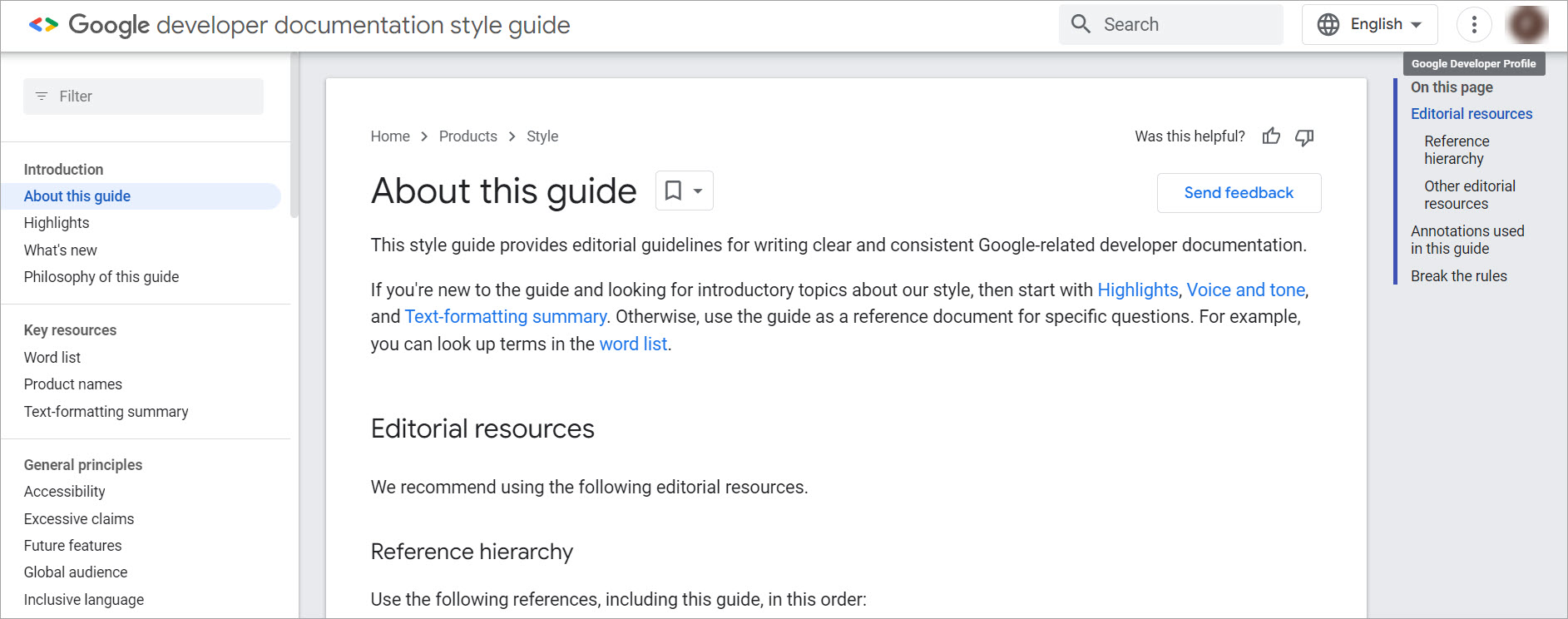
The Google style guide contains editorial guidelines for writing Google-related technical documentation. These guidelines are curated based on ease of understanding, accessibility, localization, and globalization.
Google developer documentation style guide has the following major sections:
Highlights principles such as writing friendly, respectful, and conversational documentation for a global audience to promote inclusivity without making unsupported claims or disclosing upcoming features, avoiding third-party sources, and using jargon meticulously.
This section includes guidelines for the use of capitalization, language articles, prepositions, active voice, abbreviations, tenses, pronouns, and more.
Includes editorial style guide for using commas, hyphens, colons, parentheses, periods, etc.
Lists down rules for adding phone numbers, dates, figures, footnotes, units of measurement, spaces, and more.
Highlights how external sources can be added to the technical documentation. This includes guidelines for cross-references, URLs to images, link text, and headings as links.
This section includes rules for adding API reference code, code samples, code in text, command-line syntax, and UI element reference in the technical documentation.
Includes HTML and CSS formatting guidelines, along with fonts and font size conventions.
Contains guidelines for adding personally identifiable information such as domain names, email addresses, etc. It also includes rules for writing filenames and trademark terms.
Additionally, Google recommends two external style guides to improve the understanding of technical writers related to technical documentation editorial style. These include the Red Hat supplementary style guide for product documentation and the Apple style guide (which we will discuss next).
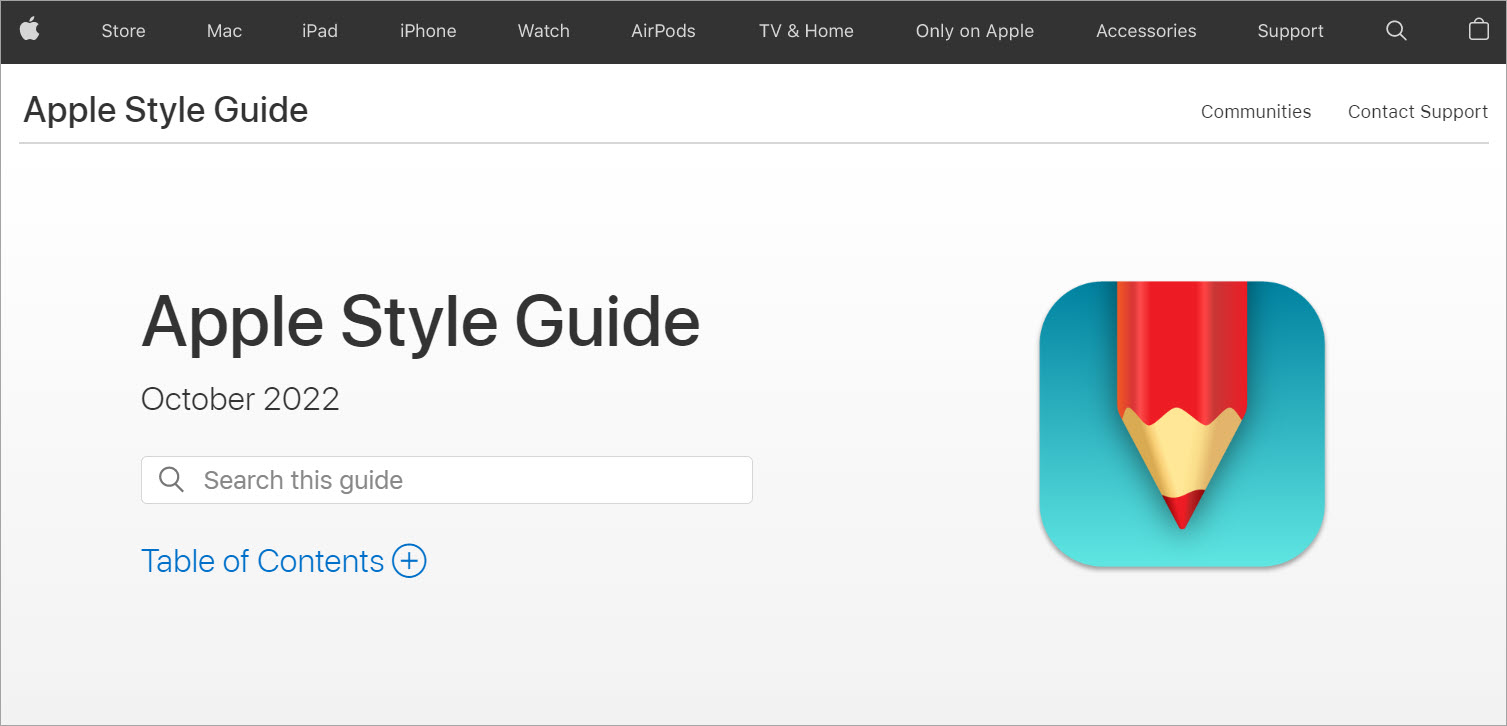
Apple style guide enables technical writers to organize and format the following Apple-related materials:
The Apple style guide contains editorial guidelines related to Apple terminology and writing style to help developers, writers, and editors maintain a consistent tone in Apple materials. The style guide has the following major sections:
This section contains the usage format for specific numbers and key terms used at Apple.
Like Google, Apple guide also encourages writers to promote diversity and inclusivity in their content. For instance, avoiding any oppressive and violent words, idioms, and stereotypes, avoiding the use of colors to portray positive and negative attributes, using diverse sets of names and locations that cover all ethnicities and backgrounds, and using gender-neutral pronouns, etc.
Includes rules and examples for writing units, symbols, prefixes, and abbreviations.
Includes style and usage guidelines for code and syntax, particularly for developer documentation.
This section contains general guidelines for writing country names, country codes, currency codes, language codes, dates and times, telephone numbers, and more.
The Apple style guide offers comprehensive guidelines for writing technical documentation for any product. It can be adopted and optimized by technical writers within their organizations.
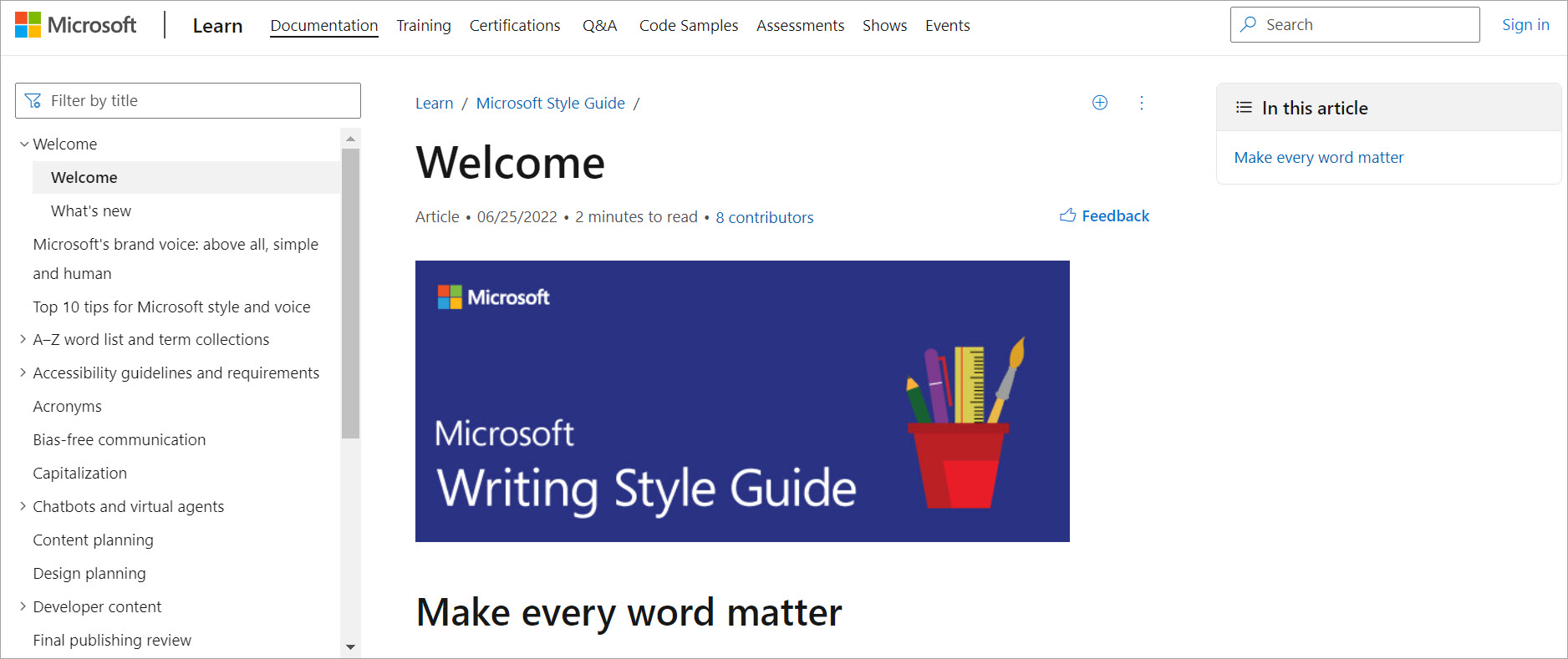
Microsoft writing style guide is one of the few comprehensive technical writing guides that offer guidelines for all types of technical writing, including documentation, apps, websites, or whitepapers for Microsoft and non-Microsoft materials. This guide highlights Microsoft’s customer-centric conversational tone, which is crisp and clear, warm and relaxed, and aimed at offering help to customers.
The Microsoft writing style guide includes many sections. Like the previous two style guides, it also stresses the importance of accessibility, diversity, and inclusiveness. For instance, instead of using a word like “mankind,” use “humanity” or “people.” Similarly, use the word “workforce” instead of “manpower.” The guide calls it bias-free communication.
An interesting section of this guide includes guidelines about writing content for chatbots and virtual agents. Bots have become an essential part of the customer service and customer success pipeline. Due to their frequent interaction with humans, Microsoft offers many recommendations to conform virtual agents and chatbots to human-like communication standards.
Microsoft style guide goes into much greater detail for writing technical content. The guidelines include comprehensive sections on content planning and design planning. It also contains sections related to grammar, punctuation, text formatting, word choice, acronyms, capitalization, and responsive and scannable text.
IBM press released a 300+ page IBM style guide for writers and editors back in 2011. It contains ten major sections, including grammar, punctuation, formatting, structure, references, numbers, interfaces, glossaries, indexes, and diversity. However, the IBM style guide is not freely available, but a 44-page sample is available here.
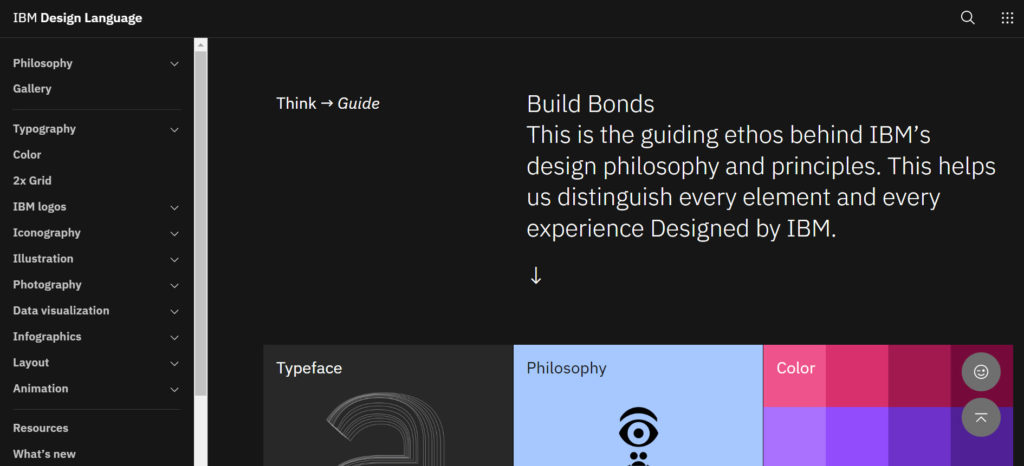
Meant for IBMers in particular and developers in general, IBM offers two online style guides as well, i.e., IBM Design Language and IBM Developer Experience Guide.
IBM Design Language offers principles and guidelines to craft unique designs and rich experiences. It includes guidelines, examples, and tutorials for many design and visual components, including:
IBM Developer Experience Guide portrays the practical design philosophy of IBM. It contains guidelines and themes for building an IBM Developer brand. It includes two major sections: Brand and Implementation.
The brand section contains guidelines for creating, designing, and selecting logos, typography, color schemes, pictograms, and illustrations, while the implementation section discusses how design is applied to digital channels, events, and merchandise.
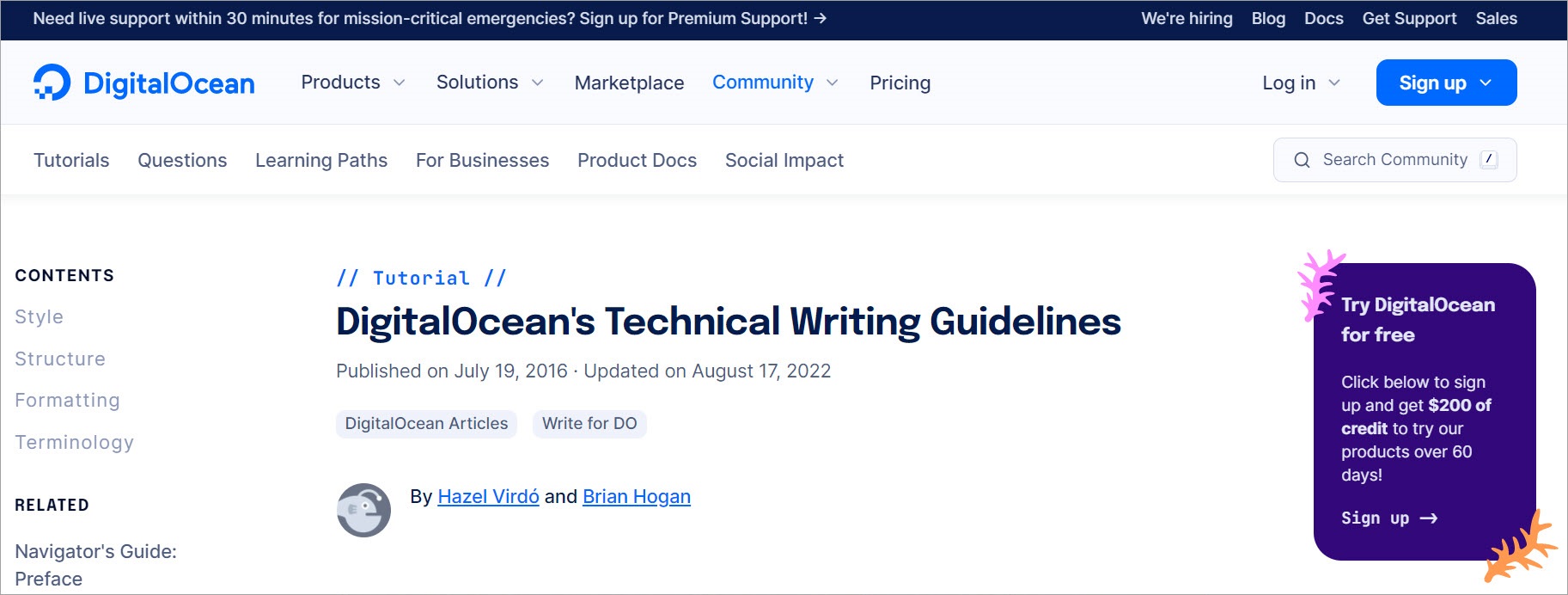
DigitalOcean offers a single-page technical writing guideline document divided into three main sections:
This guide mainly focuses on writing technical articles, including procedural tutorials, conceptual articles, and task or solution-specific articles. It presents an outline structure for these articles and details what each section would include and look like.
The DigitalOcean technical writing guidelines include various formats and examples for adding code snippets to the technical content. DigitalOcean stresses that technical information should be written for all experience levels. It should be practical, friendly, and technically accurate.
Additionally, the guide dives deep into the nitty-gritty of technical content writing for DigitalOcean. Writers who want to publish their content on DigitalOcean must adhere to these guidelines. It talks about standardized terminologies, IP addresses, URLs, and DigitalOcean-specific information. Writers must also follow the technical best practices guide to develop high-quality, consistent content.
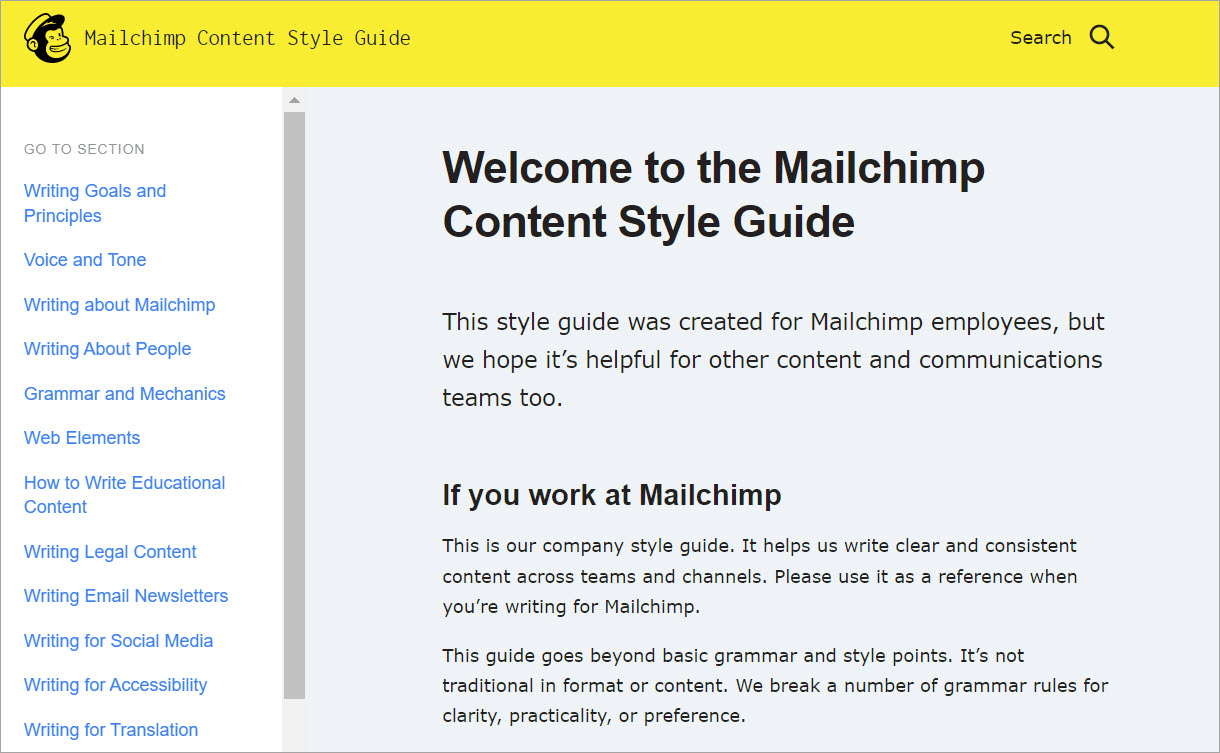
Mailchimp content style guide is a goldmine of style and formatting guidelines for technical writers. The Mailchimp guide is available for anyone to use and adapt according to their requirements, subject to Mailchimp attribution.
Mailchimp promotes content that is empowering, respectful, truthful, and educational. The style guide contains the following major sections:
This section provides specific guidelines for the use of abbreviations, acronyms, active voice, capitalization, emojis, numbers, dates, decimals, percentages, currency, telephone numbers, and more.
At Mailchimp, there are various types of educational content, including help center articles, video tutorials, webinars, Instagram reels, API documentation, release notes, and training materials. Mailchimp offers general guidelines for such educational content like staying relevant to the topic, keeping the headlines short, providing context, and proper formatting. Non-Mailchimp users can adapt these guidelines to their educational resources.
Legal content requires accuracy, clarity, and succinctness. Legal documents generally include copyright policy, API use policy, acceptance use policy, terms of use, and the very important privacy policy. Mailchimp content style guide addresses all formatting issues related to legal content.
Email newsletters have become an effective form of marketing. Companies send newsletters for product or feature announcements, alerts, invitations, and industry tips. Mailchimp offers guidelines for writing an effective email newsletter by addressing each component, including name, subject line, preheader text, body, call to action, and footer.
Mailchimp provides style guidelines for publishing content on social media channels like Facebook, Instagram, Twitter, and LinkedIn.
Like all major style guides, Mailchimp promotes diversity in technical writing. Writers are given specific guidelines to consider readers of all mental and physical capacities. Guidelines include writing direct and scannable content, using headers and hierarchy, using alt text and closed captions, and more.
Copyright applies to every type of content. This section highlights the correct usage of copyrighted or trademarked content.
Moreover, Mailchimp promotes an informal, straightforward, and positive tone with a dry sense of subtle and appropriate humor rather than being forced or snobbish.
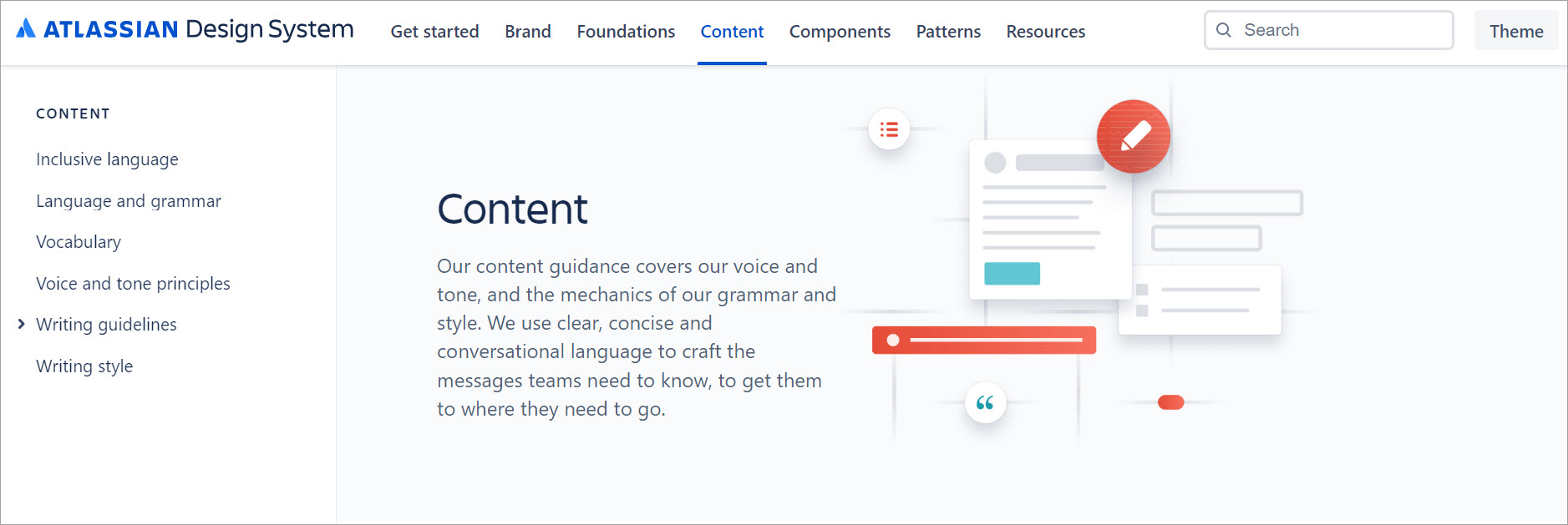
The Atlassian design system is another online comprehensive guide covering different aspects of the Atlassian brand, foundations, components, patterns, and content. The content section contains specific guidelines for writing Atlassian content. It is divided into six categories:
Atlassian strongly advocates for words free from discrimination, prejudice, or stereotype. They have identified eight categories and explained each with examples, where words should be used cautiously. These include culture and religion, race and ethnicity, ableism, vulgar language, sexism, sexual orientation and gender identity, ageism, and socio-economic status.
This section covers all formatting guidelines for all writing components, including abbreviations, active voice, capitalization, dashes, numbers, dates, etc.
This section clarifies how certain words and terminologies are used at Atlassian.
Atlassian intends to use its voice and tone to inform, empower, encourage, motivate, satisfy, and delight readers to build trust, inspire action, and deliver pleasing experiences. Each of these language emotions and moods is accompanied by examples.
This section contains best practices for writing product messages, such as error messages, success messages, info and warning messages, and feature discovery.
Atlassian wants its technical information to be bold, optimistic, and practical.
The remaining sections of this design system are also worth looking at. Although the design system is intended for Atlassian products, it can be adapted externally.
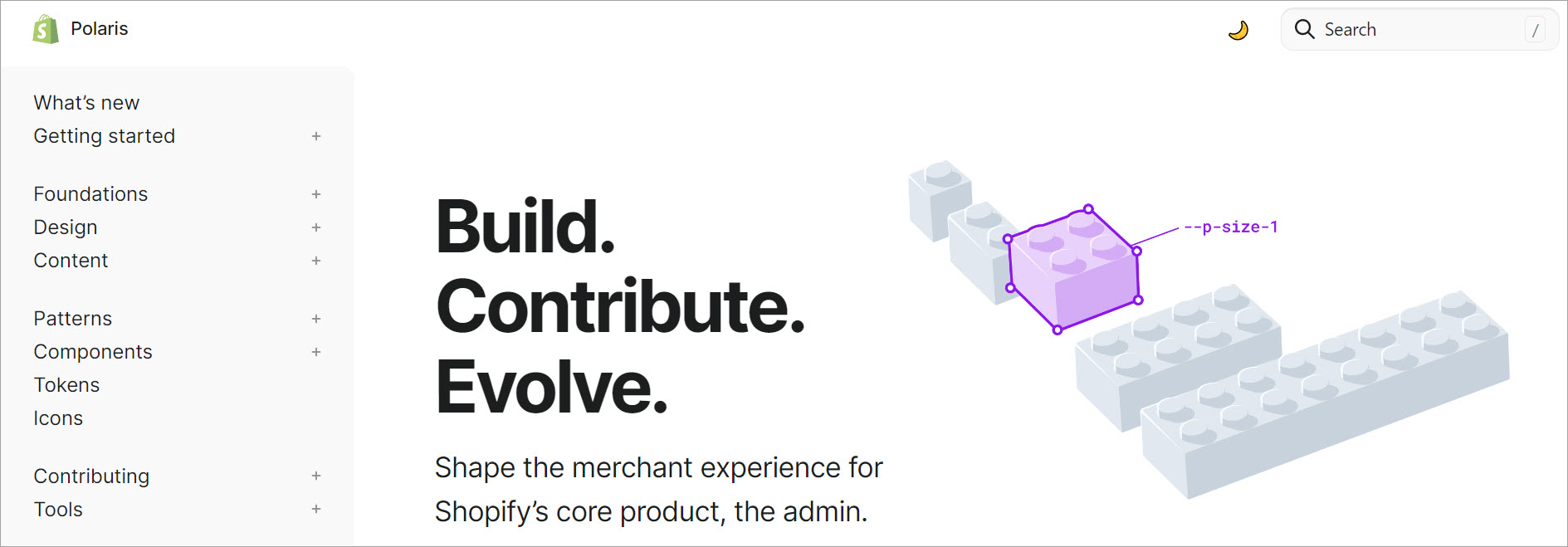
Polaris is Shopify’s design system built to develop great user experiences. Just like the Atlassian design system, it contains guides for content, design, components, and patterns. Let’s discuss the major sections of content guidelines in detail.
This section lists the guidelines to maintain Shopify’s voice and tone across technical content. The tone must be real, proactive, and dynamic. It should guide and teach the Shopify merchants to help them succeed. The guide shares numerous examples of how the tone can be adapted according to the situation.
Creating inclusive content is a core aspect of the Shopify Polaris style guide. They have shared numerous examples of how certain words should be used. For instance, instead of using the word “handicap,” use “disability.” Similarly, using “wild” or “outrageous” instead of using “insane” or “crazy.” The guide also disallows the use of racist or gender-biased language.
Like previous style guides, this section discusses guidelines for various writing components such as capitalization, punctuation, addresses, dates, headings, spellings, etc.
This section shares guidelines for naming various products offered by Shopify. Names should be thoughtful, descriptive, or evocative. The guide share numerous examples for each category.
This section encourages writers to design actionable content that allows merchants to get things done. For instance, it talks about how buttons and headings should be named that encourage action. It also differentiates the use of different words and their impact, e.g., select vs. choose or edit vs. manage.
By following product content guidelines and tips, Shopify merchants can build a rich user experience. These tips include using plain language, writing short sentences, avoiding idioms, encouraging action using call-to-action buttons, and being consistent in language.
Help documentation educate and empower merchants about various components of an app or integration. This section highlights many guidelines and relevant examples for writing effective help documentation.
Merchant-to-customer content is available on checkout pages, shipping update emails, digital receipts, POS screens, etc. It represents the merchants’ voice and tone towards their customers. Polaris provides various guidelines and examples to represent such content.
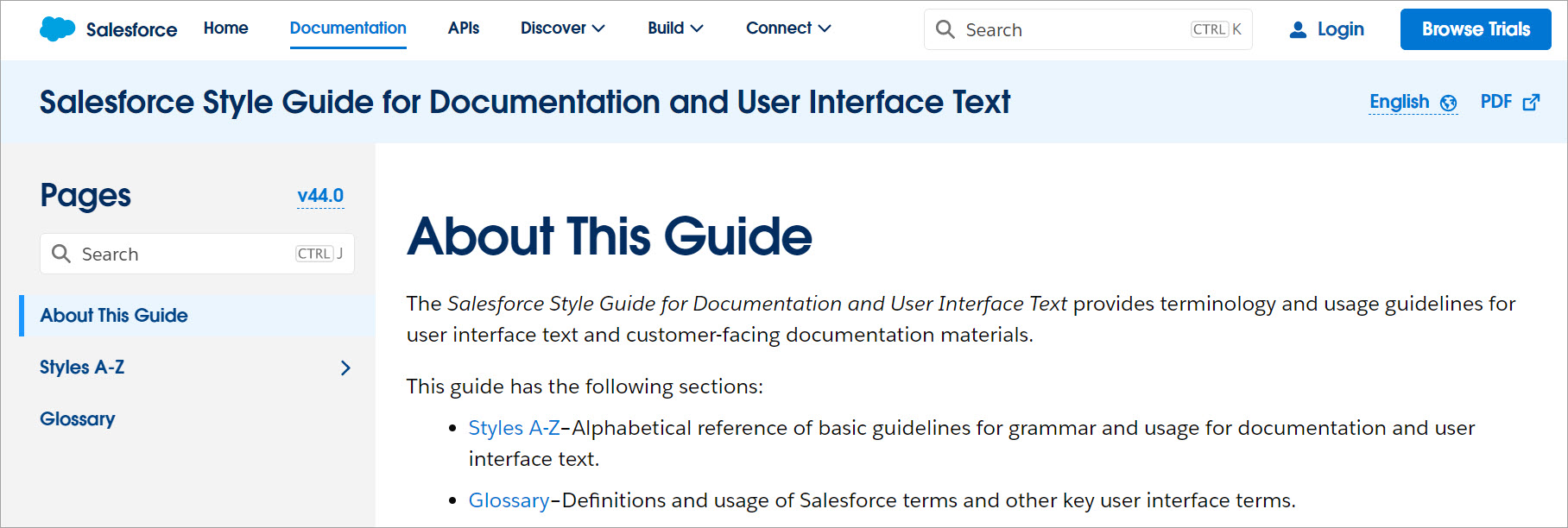
This guide is mainly targeted toward customer-facing documentation and user interface text. The manual has two major sections: Style A-Z and Glossary.
The Style A-Z section includes all style guide components in alphabetical order. Most subsections are accompanied by examples. However, the format and structure of the guide take some getting used to. Once the writers are familiar with the style guide, they can write professional, high-quality, and consistent text using it.
The glossary section defines all the terminologies used across Salesforce documentation and user interface in alphabetical order.
Like the Atlassian design system and Shopify Polaris, Salesforce offers Lightning Design System to allow developers and designers to create consistent user interfaces. This system enables designers to build interfaces based on four core principles: clarity, efficiency, consistency, and beauty. Some major components include platforms, accessibility, component blueprints, design tokens, icons, and utilities.
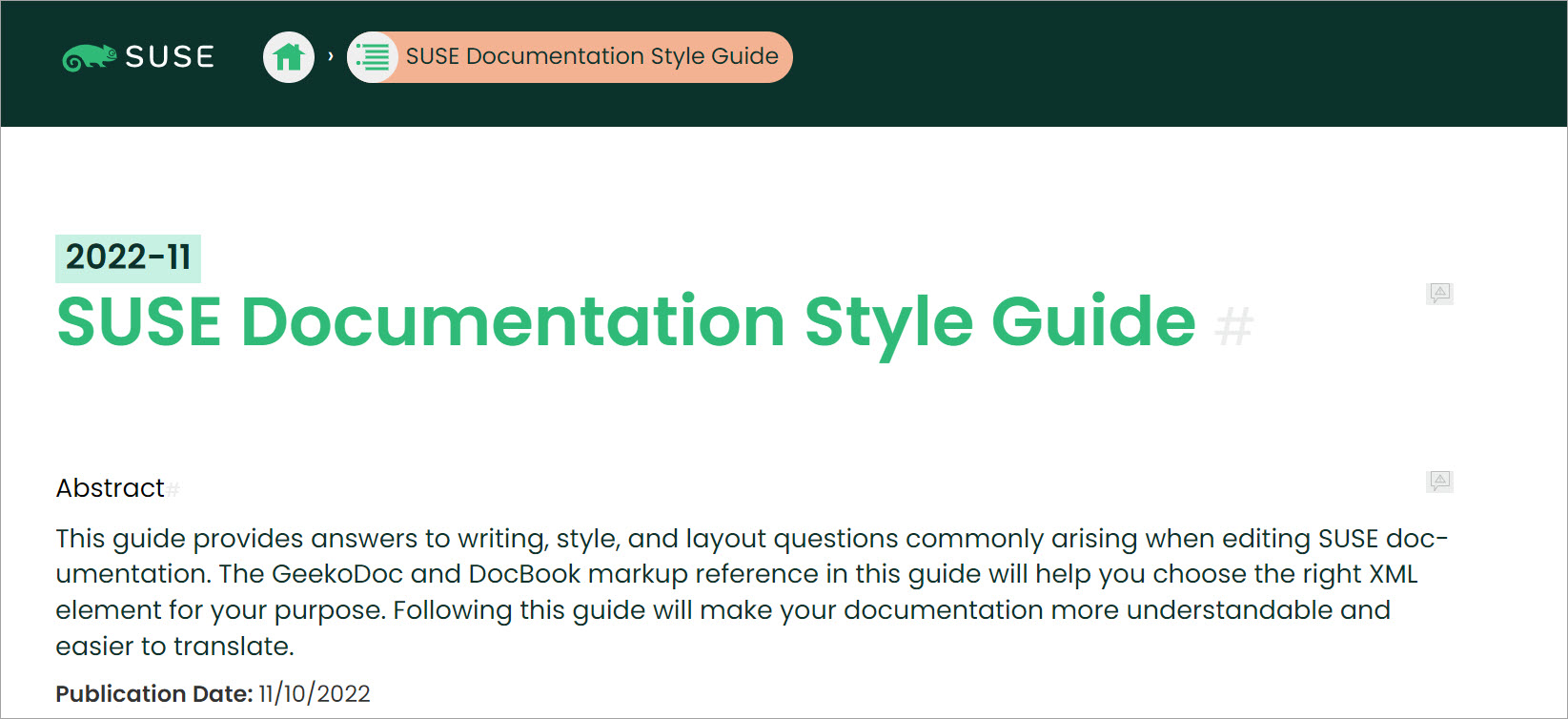
SUSE is another significant mention in this list because it is an open-source style guide that can be adapted to your requirements. It provides guidelines and best practices for writing SUSE documentation.
The SUSE documentation style guide includes many important sections: language, structure, formatting XML, working with AsciiDoc, documentation content, etc. It is a single-page HTML document, so all guidelines are available in one place. It offers many examples and conventions for writing technical documentation. Thanks to community contributors, open-source style guides improve over time.
Now that we have discussed some technical writing style guide examples, let’s briefly talk about the various technical documents that can be written using these style guides.
A style guide only works if the team actually uses it. That means it has to be discoverable, easy to update, and tied into your workflow.
The best style guides evolve. When you run into a repeated argument or a repeated mistake, add a rule, add an example, and move on.
If you’re tracking quality and process improvements, you can also connect style guide adoption to outcomes like fewer review cycles or fewer support questions. I talk about measurement approaches in technical writing metrics.
If your docs live in Git, keep the style guide in the same repo or a nearby “docs ops” repo. Create a simple change process so writers know how to propose updates and who approves them.
Many teams now use AI translation support, grammar assistants, and readability tools. A modern style guide should explain how to use these tools without letting them overwrite product terminology, voice, or technical precision.
If you want to build the skills that make these systems easier to run, technical writing skills is a good complement.
A technical writer style guide is the documentation system behind your documentation. It standardizes decisions so writers can focus on accuracy, structure, and helping the reader succeed.
If you take nothing else from this guide, steal this: define terminology, define voice, standardize formatting, and keep the guide alive through small updates. That combination removes friction fast.
Style guides always raise the same practical questions, especially when teams are scaling or introducing new tools.
It should include rules for voice and tone, terminology, headings, formatting, punctuation, abbreviations, and clarity standards. The best guides also include examples and a word list so writers and reviewers don’t have to guess.
Start small and expand based on real problems. A short guide that gets used beats a giant guide nobody reads.
Yes, API documentation usually needs stricter rules for code formatting, placeholders, parameter naming, and terminology consistency. You also want clearer rules for abbreviations and acronyms because developer audiences vary a lot by experience level.
Tie it to outcomes and workflow, not personal preference. Use templates, review checklists, and automated checks where possible so enforcement feels like a system, not a person.
AI translation increases the value of consistent terminology, short sentences, and avoiding idioms. If you plan to translate, write in a way that is easy for both humans and machines to interpret.
Update it whenever you see repeated confusion, repeated review comments, or repeated mistakes. Treat it like a living document that grows with the product, the audience, and the team.
Get the weekly newsletter keeping 23,000+ technical writers in the loop.
Learn technical writing and advance your career.
Please check your email for a confirmation message shortly.





















Get our #1 industry rated weekly technical writing reads newsletter.
Your syllabus has been sent to your email